Virtual staging for real estate listings: a practical guide
How real estate teams can use AI virtual staging to make listings feel move-in ready without delaying publication.
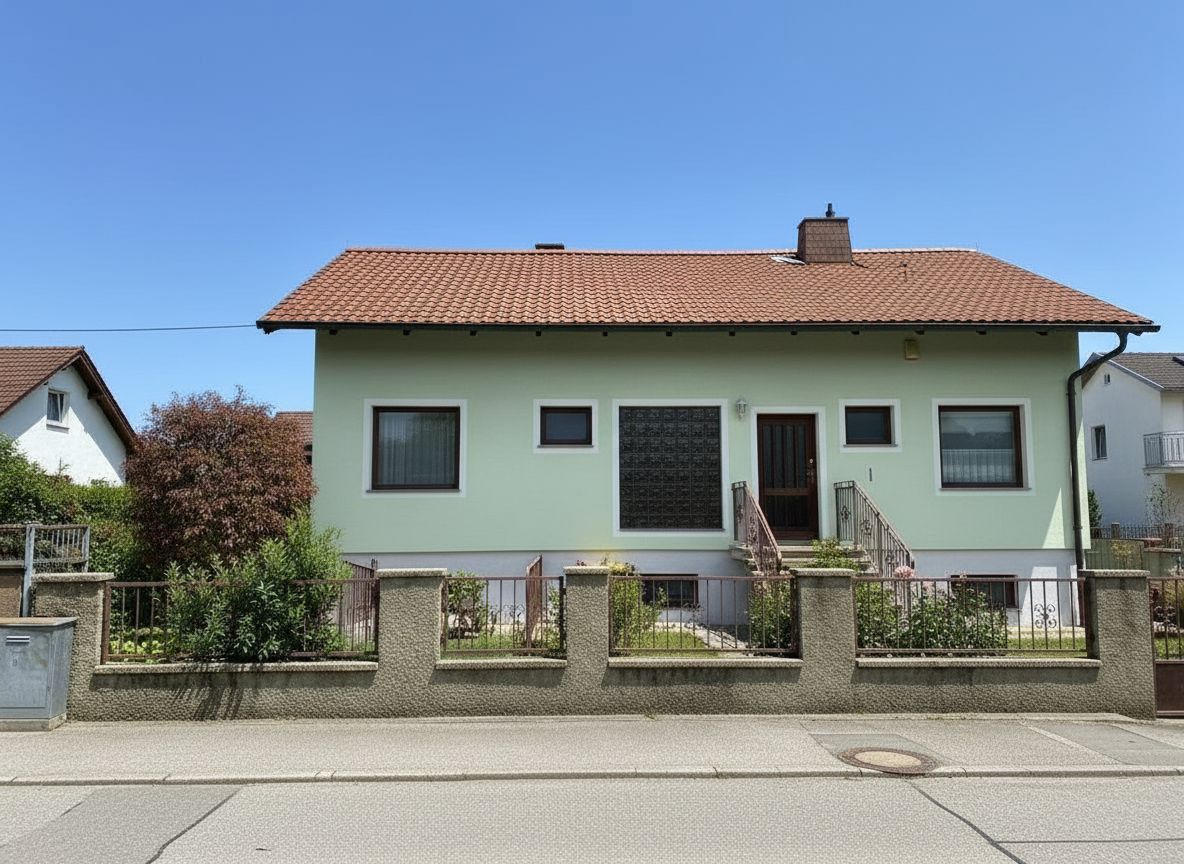
Virtual staging helps buyers understand the scale, flow, and potential of an empty room. For real estate teams, the biggest advantage is speed: a listing can go live with polished images without waiting for furniture delivery, styling, photography, and removal.
Where AI staging works best
Use AI staging on vacant rooms, lightly furnished rooms, renovation listings, and spaces where buyers need help imagining a clear use case. Living rooms, bedrooms, dining rooms, home offices, and outdoor areas usually produce the strongest marketing lift.
Keep the output credible
The goal is not to create a fantasy version of the property. Keep furniture scale realistic, preserve windows and architectural details, avoid hiding damage, and use styles that match the likely buyer profile. A restrained modern look is often safer than a highly decorative style.
Recommended workflow
Start with clean source photos, run one or two staging directions, choose the most realistic output, and keep the original photo available for transparency. Pair staged images with clear room descriptions in the listing so buyers understand both the actual space and the intended use.