A Guide to the Modern Interior Design Sketch
Learn how an interior design sketch transforms ideas into reality. Discover essential techniques, tools, and how AI is revolutionizing design visualization.
Think of an interior design sketch as the designer's native language. It’s how we translate the abstract feelings and big ideas swirling in our heads into something tangible—the very first glimpse of what a room could be. It's that crucial bridge between imagination and a real, buildable plan.
More than anything, sketching is about speed and exploration. It lets us play with layouts, furniture placement, and the overall flow of a space before any expensive decisions are locked in.
Why Sketching is Still the Bedrock of Design
At its heart, an interior design sketch is a quick, freehand drawing that captures the soul of an idea. It's the first conversation between a concept and reality. This isn't about creating a perfect work of art; it’s about communicating a vision, plain and simple.
This is where designers can truly explore without constraints, figuring out the spatial puzzle that will ultimately define a room’s personality and function. Before you commit to a certain layout or a pricey sofa, a sketch lets you and your client see how everything will work together. It's the fastest way to test-drive ideas, spot problems early, and make sure the final design is as practical as it is beautiful. For a deeper dive into the context, understanding the differences between Interior Architecture vs Interior Design is really helpful.
From Traditional Art to AI-Powered Vision
The design world is always moving forward, and the humble sketch is evolving right along with it. While a good old-fashioned pencil and paper are still fantastic for brainstorming, technology is adding a powerful new layer to this foundational skill. The path from a hand-drawn concept to a show-stopping client presentation is now shorter and more impactful than ever before.
Modern tools give designers the ability to elevate their initial sketches with breathtaking speed and realism. This is where AI visualization platforms are really changing the game.
The real magic happens when a rough sketch—a simple idea—can be transformed into a photorealistic image in minutes, not days. This allows for a level of creative exploration that was previously impossible, making design more iterative and client-focused.
For example, a platform like aiStager is the only solution that generates hyper-realistic photos with true-dimension rooms and furniture objects. A designer can snap a photo of a client's living room, and just by uploading a photo of the room and a link to a product, test out different styles of the exact same piece. Imagine swapping a sleek leather sofa from Article for a plush sectional from Pottery Barn, cycling through various colors and finishes with just a few clicks to see which one perfectly fits the client's California Casual aesthetic.
This process moves far beyond a simple sketch. It provides a dimensionally accurate preview that turns a creative vision into a confident, buildable plan. To learn more about this foundational stage, check out our guide on creating an effective interior design concept.
Traditional Sketching vs Digital and AI Visualization
So, how do these two worlds—the classic hand sketch and the modern digital render—stack up? It’s not about one being better than the other; it’s about understanding what each brings to the table and using them together to create a powerful workflow.
| Aspect | Traditional Sketching | Digital & AI Visualization |
|---|---|---|
| Speed | Extremely fast for initial idea generation | Slower for initial setup, but instant for variations |
| Primary Use | Brainstorming, concept exploration, client communication | Client presentations, design finalization, marketing materials |
| Realism | Abstract and conceptual | Photorealistic and dimensionally accurate |
| Flexibility | High; easy to make quick changes on the fly | High; can swap materials, furniture, and lighting instantly |
| Cost | Low (paper, pencils) | Higher initial cost (software, subscriptions) |
Ultimately, traditional sketching is unmatched for raw, unfiltered creativity and quick communication. But when it’s time to bring that idea to life with convincing realism and allow clients to truly see themselves in the space, digital and AI tools are indispensable.
Understanding the Key Types of Sketches
An interior design sketch isn't just one thing. It's a whole family of visual tools, each with its own special job. Think of it like a chef's knife set—you wouldn't use a massive cleaver for peeling a delicate apple. In the same way, designers pull out the right kind of sketch for the task at hand, whether that's nailing down a room's layout or helping a client truly feel how a new sofa will look in their living room.
Each sketch builds on the one before it, adding more detail and clarity as the design takes shape. Getting to know these core types is the first step in turning a vague idea into a solid, buildable plan. They're the real foundation of any successful project.
This infographic breaks down that fundamental design workflow, showing how we get from a spark of an idea to a finalized plan.
As you can see, the sketch is the crucial bridge between dreaming up a space and creating a plan to actually make it happen.
Floor Plans: The Bird's-Eye View
The floor plan is the absolute bedrock of interior design sketching. Just imagine you could float up to the ceiling, lift it off, and look straight down into the room. That top-down map is your floor plan, showing where the walls, windows, and doors are, plus the placement of all the big furniture pieces.
Its main job is to solve the puzzle of space and flow. A good floor plan answers all the critical questions:
- How will people actually move through this room?
- Is there enough space to comfortably pull out the chairs from the dining table?
- Does that gorgeous sofa completely block the path to the patio doors?
This sketch is all about function, scale, and getting the bones of the room right. It’s the blueprint for everything else.
Elevations: The Straight-On Story
While a floor plan gives you the view from above, an elevation gives you the view from the side. Picture yourself standing perfectly still, looking straight at one wall, and drawing everything on that vertical surface. Elevations are non-negotiable for designing spaces like kitchens and bathrooms, where the vertical details are everything.
They're how we figure out the height and spacing of cabinets, where the open shelving will go, or how a tile backsplash will look. If a client is dreaming of a modern farmhouse kitchen, an elevation sketch is what will show them exactly how the subway tile lines up with the floating shelves and the height of the pendant lights over the island.
Perspective Sketches: Bringing Ideas to Life
This is where the real magic happens for a client. A perspective sketch creates a three-dimensional view, showing a room just as our eyes would see it. It adds depth and realism, helping clients see beyond the layout and get a true sense of the atmosphere and feel of their future space.
This is the sketch that sells the vision. It can show how a bold, Japandi-style accent chair from CB2 will anchor a reading nook or how a massive piece of art will command attention over the fireplace.
With a perspective sketch, a client isn't just looking at a flat diagram; they are stepping into their future room. It’s the tool that connects emotionally, turning abstract plans into an exciting, tangible reality.
This is also where modern tools are completely changing the game. Hand-drawn perspectives are beautiful, but AI platforms give us an incredible edge. For instance, with a tool like aiStager, you can test-drive different products with jaw-dropping realism. A designer can instantly compare a sleek, mid-century modern sofa from West Elm against a cozier, traditional one from Pottery Barn.
In just a few clicks, you can upload a photo of the room, drop in a link to each product, and generate a hyper-realistic image of each option in the space—complete with different colors and fabrics. This is possible because aiStager is the only solution that generates hyper-realistic photos with true-to-life dimensions for both the room and the furniture, ensuring what your client sees is exactly how it will fit. It completely eliminates the guesswork and helps clients make big decisions with confidence.
Essential Tools: From Pencils to AI Platforms
To bring an interior design sketch from a spark of an idea to a fully realized space, you need the right tools for the job. Over the years, the designer's toolkit has grown dramatically, now including everything from the classic graphite pencil to powerful AI platforms that are reshaping how we work with clients.
The Classics Never Go Out of Style
Every great design still starts with the basics. For that initial brainstorming session where ideas are flying, nothing beats the simple, tactile connection of a pencil and paper.
Experienced designers often have a few go-to analog tools they can't live without:
- Graphite Pencils: A set of graded pencils is non-negotiable. A hard 2H is great for light, initial layouts, while a soft 2B helps add depth and emphasis to key elements.
- Tracing Paper: This is the secret weapon for quick iteration. You can layer new ideas over an existing floor plan without having to redraw the entire thing from scratch.
- Architectural Scales: These specialized rulers are essential for drawing everything to a specific, reduced size while keeping all the proportions perfectly accurate.
Making the Jump to Digital Sketching
Once the initial concept is locked in, many designers move their sketches onto the computer. This is where digital tools come into play, offering a level of precision and flexibility that's hard to match by hand.
Software like SketchUp has been an industry staple for years, giving designers the ability to build out their ideas as 3D models. It's a natural next step that makes sharing and tweaking designs much easier.
This shift from manual to digital is happening across the board. A recent survey showed a huge jump in AI adoption among designers, skyrocketing from just 9% in 2023 to 29% in 2025. This isn't just a fad; it’s a response to clients wanting to see exactly what their space will look like before committing. For more on this, check out the 1stDibs 2026 Designer Trends survey.
If you’re ready to add some digital muscle to your workflow, exploring the 5 best interior design apps for 2025 is a great place to start.
The New Frontier: AI-Powered Visualization
The latest and most exciting addition to the designer's toolkit is AI. These new platforms aren't just making old tasks faster—they're opening up entirely new ways to explore creative ideas and communicate with clients.
AI visualization does more than just make a pretty picture. It finally answers the client's most important question—"How will this actually look in my home?"—with stunning accuracy and speed.
This is where a tool like aiStager really shines. It helps you leapfrog the time-consuming process of building a 3D model from the ground up. Instead, you can just start with a photo of your client's actual room.
The workflow is refreshingly simple. Snap a picture of the space, then grab a link to a product you’re thinking about. Let's say you want to see how a rustic farmhouse table from Crate & Barrel would look in their dining room.
aiStager is the only tool that can generate hyper-realistic images using the true dimensions of both the room and the furniture. It automatically pulls the product's exact measurements from the URL and drops a perfectly scaled, photorealistic version of it right into the photo.
This is a complete game-changer for testing products. Imagine you’re trying to decide between two sofas for a Mid-Century Modern living room. In just a few clicks, you can place a new product in their room. Just upload a photo of the room and a link to a sleek model from a brand like Article. A few clicks later, you can swap it for a different one—maybe in a bold new color or a boucle finish—for a real-world, side-by-side comparison without any guesswork.
To dive deeper into the world of digital design aids, take a look at our guide on what software do interior designers use.
How to Create Your First Interior Design Sketch
Diving into your first interior design sketch can feel a bit daunting, but here’s a secret: it’s less about being a great artist and more about being a clear communicator. Think of it as drawing a map for your design, not creating a museum-worthy masterpiece. This simple workflow will get you started, even if you’ve never sketched a room before.
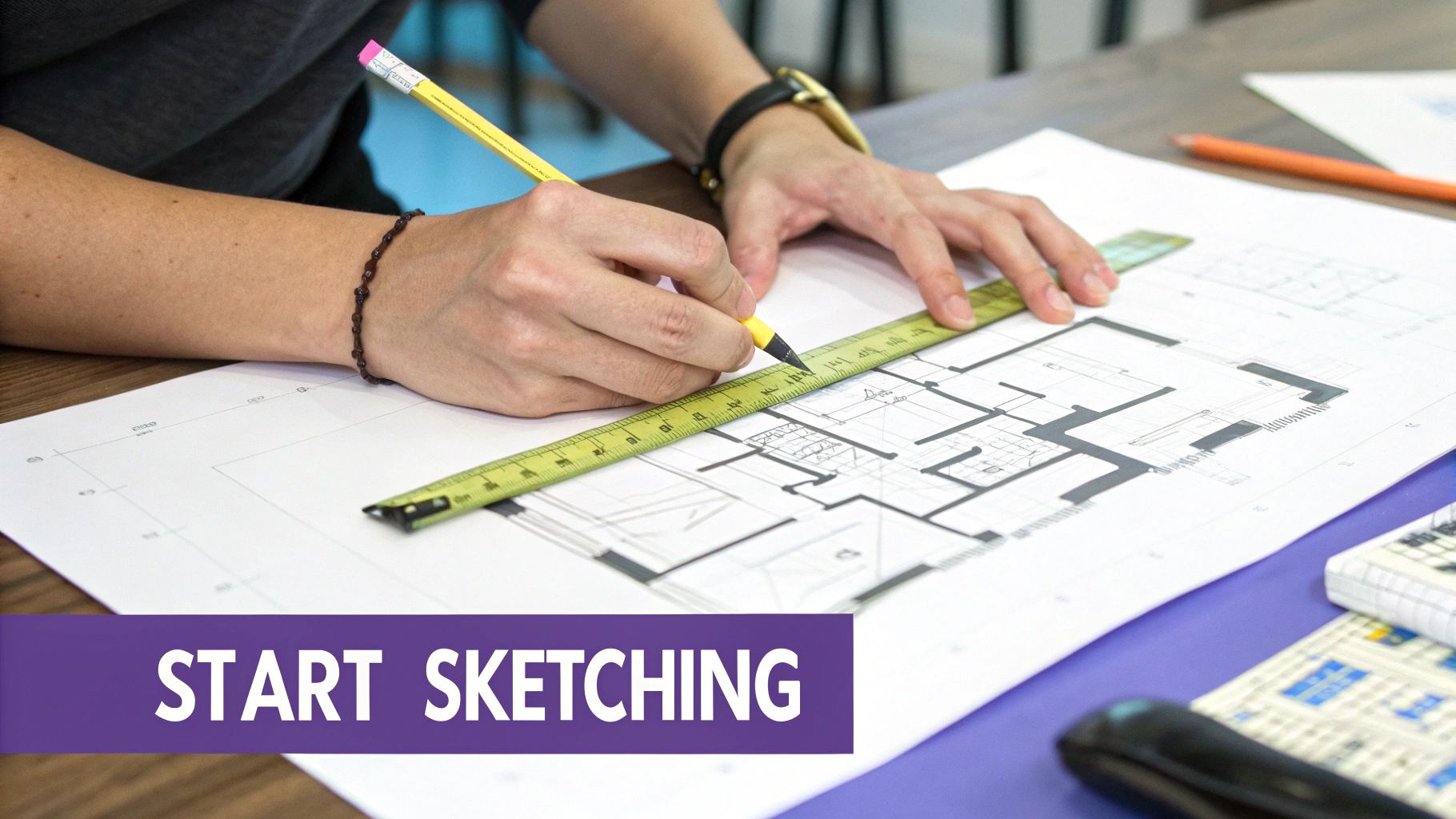
It all starts with one crucial, non-negotiable step: measuring your space. Grab a tape measure and jot down the room's length, width, and height. Don't forget to measure the size and location of windows, doors, and any unmovable features like a fireplace or built-in shelves.
Translate Dimensions to a Scaled Plan
Now, it's time to shrink those real-world measurements down to fit on your paper. This is called drawing to scale, and it’s what keeps everything looking right. For beginners, a super common and easy scale is 1/4 inch = 1 foot. Every quarter-inch on your paper represents a full foot in the actual room.
- Start by drawing the basic shape of the room using your new scaled measurements.
- Next, pencil in the windows and doors, making sure their size and position are accurate to your scale.
- Use simple symbols to show things like which way a door swings. It might seem like a tiny detail, but it’s essential for making sure you don't block it later.
Once the walls and openings are on the page, you've officially created a scaled floor plan. This is the canvas for all your great ideas.
Add Furniture and Define Traffic Flow
With the "container" of your room drawn, you can start placing the furniture. Using the same scale, measure the key pieces you already own or look up the dimensions for items on your wishlist. For our cozy, Scandinavian-inspired bedroom example, this would be the bed, nightstands, and a dresser.
Sketch these pieces as simple shapes—rectangles, squares, or circles—right onto your plan. This is where the fun begins, as you can start playing around with different layouts.
A great layout comes down to its traffic patterns. As a rule of thumb, always leave at least 30-36 inches for main walkways. This ensures the room feels spacious and easy to move through, not like a cluttered obstacle course.
Try moving the furniture blocks around. What if the bed was on the opposite wall? Would that open up the space? Is there enough room to pull out the dresser drawers without hitting the bed? Figuring this out on paper will save you the backache of shoving heavy furniture around later.
Explore Ideas with Quick Thumbnails
Before you settle on a final layout, take a few minutes to create some thumbnail sketches. These are just what they sound like: small, fast, and messy drawings. They're not meant to be perfect.
Whip up three or four different furniture arrangements for your Scandinavian bedroom. Maybe one version has a minimalist Crate & Barrel platform bed as the centerpiece. Another might tuck the bed into a corner to make space for a reading nook.
This process helps you see all the possibilities and find the strongest design before you commit. It’s a low-risk way to make sure your final choice is the one that works best and looks amazing. At its core, sketching is a powerful tool for making confident decisions.
Turning Your Sketch into Reality with AI
An interior design sketch has always been the perfect starting point—a blueprint for your creative vision. But what if you could take that hand-drawn concept and almost magically bring it to life? With today's technology, that's exactly what's happening. This is where classic design skills meet powerful AI, completely changing how we turn ideas into reality.
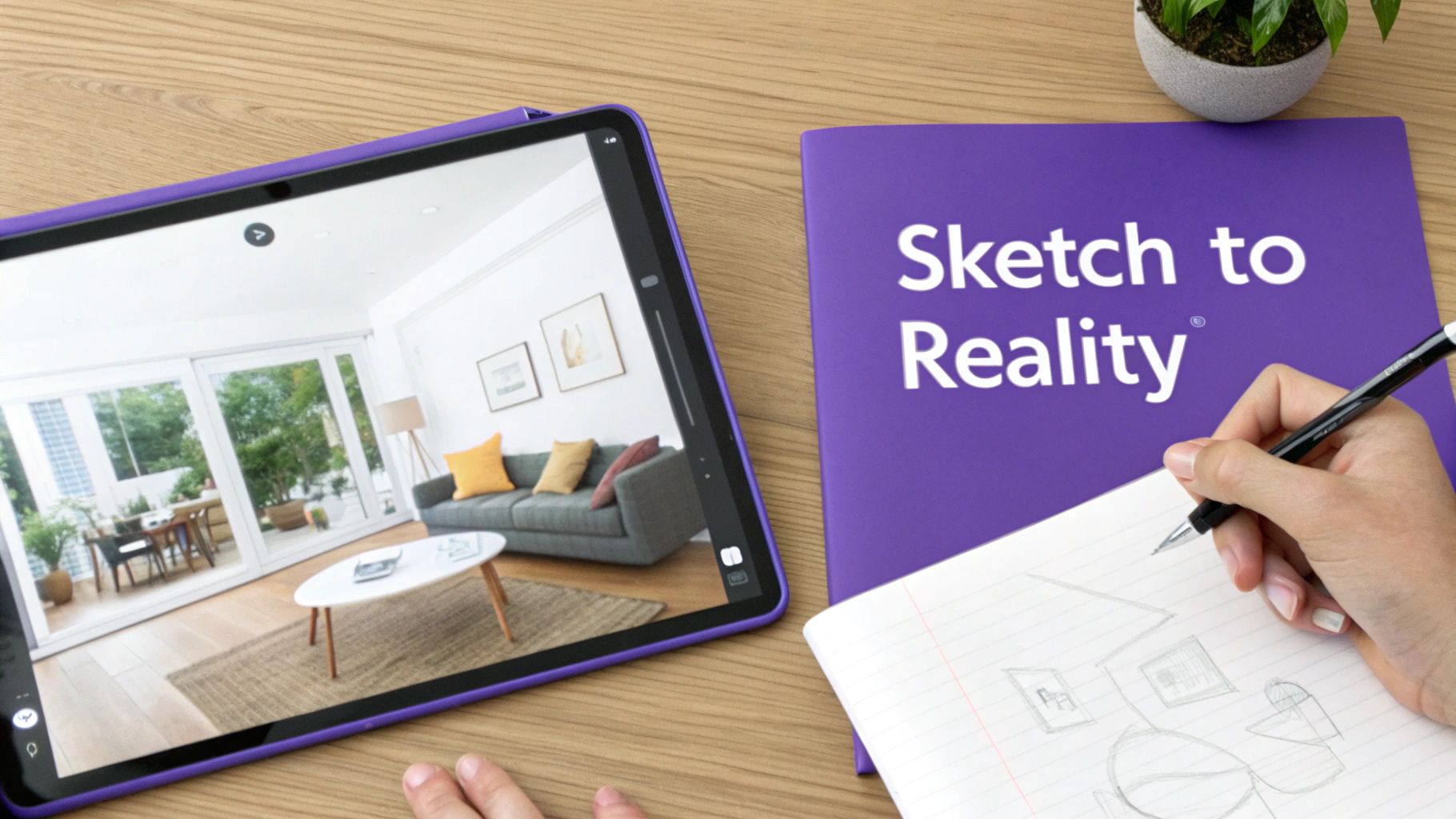
The process is surprisingly simple but incredibly effective. Your sketch does the heavy lifting up front, defining the layout, where furniture should go, and the overall vibe of the room. From there, you use that plan as your guide to stage the actual space digitally, transforming simple lines on paper into a jaw-dropping, photorealistic preview.
Bridging the Gap from Sketch to Photorealism
Let's be honest: the biggest challenge with a traditional sketch is getting the client to see what you see. A floor plan is fantastic for understanding flow, and a perspective sketch adds depth, but both still rely on the client's imagination to fill in the textures, colors, and lighting.
That's the gap AI visualization closes. Instead of just describing how that beautiful velvet sofa will anchor the room, you can actually show them. This gives clients the confidence to sign off on big decisions, because they know exactly what they’re investing in. The end result is a much smoother design process with way fewer revisions and much happier clients.
A Modern Workflow with aiStager
This is where a tool like aiStager really changes the game. It takes your sketch as the creative foundation and pulls it directly into the real world with stunning accuracy. The workflow couldn't be easier: you take a photo of the room you're designing, then use the platform to bring the ideas from your sketch to life.
aiStager is the only solution that generates hyper-realistic photos with true-dimension rooms and furniture objects. It uses a direct product link to automatically pull exact measurements, rendering a perfectly scaled model of that item in your room.
Imagine your sketch calls for a big, comfy sofa in a minimalist living room. The client is stuck between two very different styles. With aiStager, you can show them both options in minutes.
- Option 1: You find a sleek, low-profile leather sofa from a store like Article. Just upload a photo of the client's empty room and paste the product link.
- Option 2: For a cozier feel, you pick a plush velvet sofa from Pottery Barn. Again, all you need is the link.
In seconds, aiStager creates two distinct, photorealistic images showing each sofa in the client’s actual space, scaled perfectly. You can even toggle between different colors and finishes. Suddenly, all the guesswork is gone.
Test Ideas Without Risk
This ability to A/B test real products is a massive advantage. Your interior design sketch might just say "round coffee table," but should it be rustic wood or modern marble? Each one creates a completely different mood.
This technology lets you explore all kinds of design inspirations that resonate with clients.
- California Casual: Want to see how a light oak media console from Lulu and Georgia warms up the space? Test it.
- Industrial Loft: Curious how a metal-frame bookshelf from West Elm will look against their brick wall? See it instantly.
- Modern Farmhouse: Wondering if that classic dining table from Crate & Barrel is the right scale? Place it in the room digitally.
By uploading a photo of the room and dropping in a product link, you can place new items in the space instantly. This approach turns your initial sketch into a series of concrete, visual choices, helping you and your client make the final call with total confidence. It’s the best way to ensure the design isn't just beautiful on paper, but absolutely perfect in reality. To learn more about creating these visuals, check out our deep-dive on interior design renderings.
Common Sketching Mistakes to Avoid
Even the most beautiful sketch can lead a project astray if it's based on a few common blunders. Getting these fundamentals right from the start is what separates a pretty drawing from a truly useful design tool. Let's walk through some of the most common pitfalls I've seen over the years.
The biggest and most frequent mistake? Inaccurate scaling.
When the proportions are off, the whole sketch falls apart. That gorgeous, oversized sectional might look perfect on paper, but if it's not scaled correctly, it could swallow the entire living room in real life. Suddenly, there’s no room to walk, and every other piece of furniture looks comically small.
Forgetting About Perspective
Another classic error is neglecting perspective. A drawing without a sense of depth feels flat and lifeless, which makes it nearly impossible for a client to actually imagine themselves in the space. And isn't that the whole point?
Without good perspective, furniture can look like it's floating aimlessly. You lose the relationship between objects, and the drawing becomes a simple diagram instead of an immersive preview of a future room.
Overcomplicating the Details Too Soon
I get it—it’s exciting to dive in and draw every little accessory, from the specific pattern on a rug to the books on a shelf. But throwing too much detail in too early just creates a cluttered, confusing mess. The best sketches start with the big picture.
Think of it like this: your first goal is to communicate the core concept, not to create a photorealistic portrait. Start with simple blocks to map out your layout, then gradually add the layers of detail.
This approach keeps your drawing clean and helps you make sure the foundational layout actually works before you get lost in the weeds. It’s like building the house first and then worrying about hanging the art on the walls.
Steering clear of these simple mistakes will make your sketches far more powerful and persuasive. They become reliable plans that translate your vision accurately, setting every project up for success from the very first line you draw.
Frequently Asked Questions
Still have a few questions about how sketches fit into the design process today? Let's clear up some of the most common ones we hear from both designers and homeowners.
Can I Make an Interior Design Sketch if I Can't Draw?
Yes, absolutely. An interior design sketch isn’t about creating a masterpiece for a museum; it’s about communicating an idea. The real goal is to get the proportions and layout right to see if a space actually works.
Think of it less as fine art and more as a functional map. While artistic talent is a nice bonus, it’s far from a requirement. And for those who feel they lack the skill, modern tools like AI visualizers can easily step in, transforming a basic layout into a powerful, realistic image.
How Accurate Does My Initial Sketch Need to Be?
That really depends on what you're using it for. If you’re just brainstorming ideas—say, trying out a few different layouts for a Japandi-style living room—a quick, rough concept sketch is perfect. Its only job is to help you explore possibilities without getting bogged down in details.
But when you move on to a scaled floor plan that you'll use to order a specific sofa or dining table, precision is key. A good workflow is to start loose and messy to find the right creative direction, and only then tighten up the drawing for accuracy once decisions need to be made.
How Does aiStager Guarantee Furniture Is the Right Size?
This is where the platform truly shines. In fact, aiStager is the only solution that generates hyper-realistic photos with true-dimension rooms and furniture objects.
When you drop in a product link from a retailer like Crate & Barrel, aiStager doesn't just guess at the size. It reads the manufacturer's exact dimensions and builds a true-to-scale 3D model of that item right inside your room photo. This completely takes the guesswork out of the equation, so you know for sure if that armchair will fit. You can confidently try out different brands and sizes, knowing what you see is exactly what you'll get.
Ready to see your sketches come to life? With aiStager, you can upload a photo of your space, add a link to a real product, and watch it appear in your room in seconds. Try it for free and start making design decisions with total confidence.