8 Incredible Staging Before and After Examples for 2025
Explore 8 dramatic staging before and after transformations. See how AI visualization can restyle empty, cluttered, or dated spaces in just minutes.
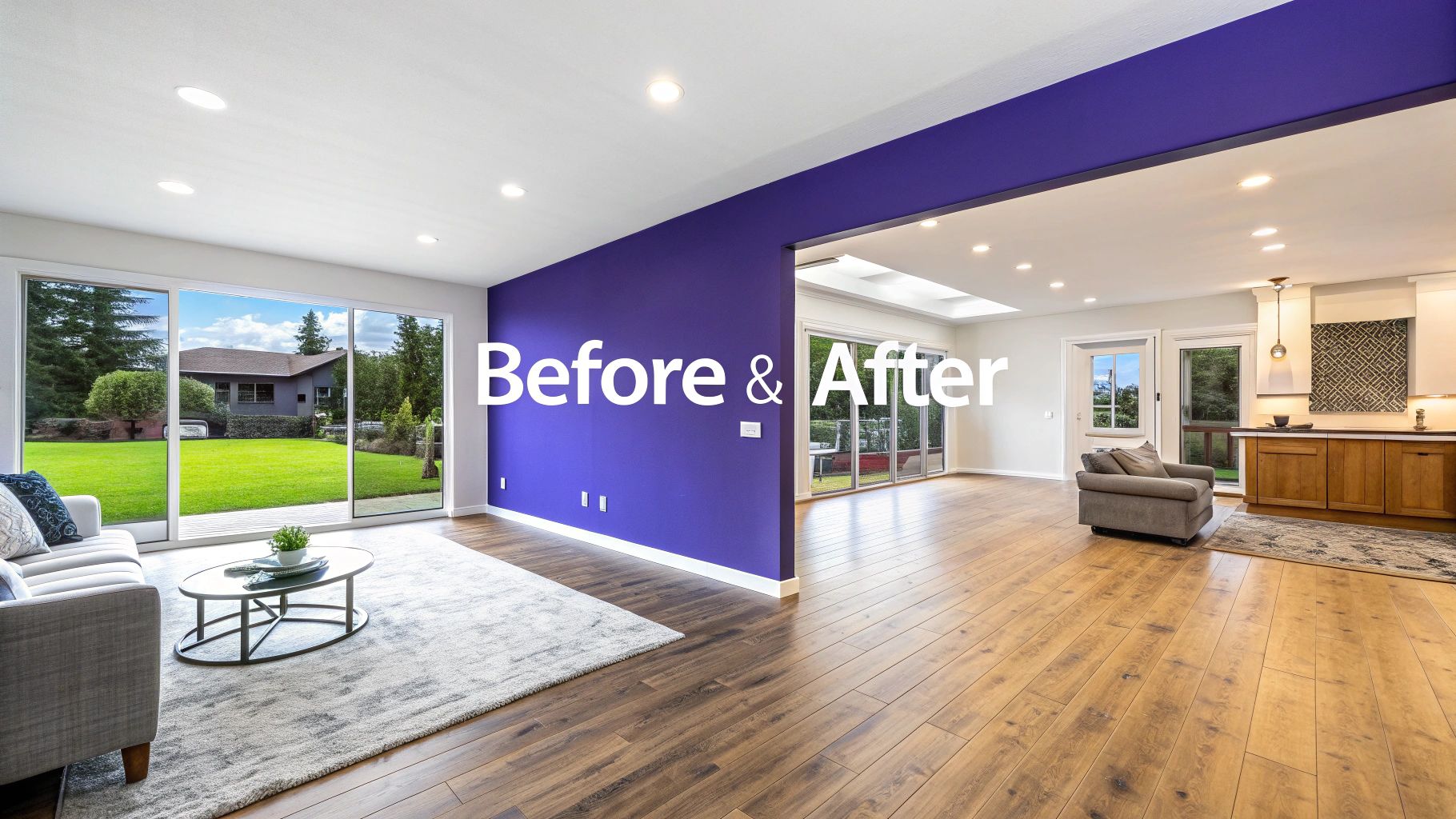
In real estate, interior design, and retail, the right presentation can make all the difference. A compelling staging before and after doesn't just showcase a property or product in its best light; it helps potential buyers and clients emotionally connect and visualize a space's true potential. A well-staged room sells faster, often for a higher price, by transforming a blank canvas into a lived-in, desirable home.
However, traditional staging can be expensive, time-consuming, and logistically complex. Modern solutions are changing this dynamic entirely. Advanced tools like aiStager offer the only solution that generates hyper-realistic photos with true dimension rooms and furniture objects. In just a few clicks, users can test different design inspirations, from Japandi minimalism to Grandmillennial charm, and compare product variations from real brands. You can place a new product in your room just by uploading a photo of the room and a link to the product. To truly grasp the impact, sometimes you need to see the proof. Explore more transformations in our portfolio to witness the striking differences a great staging makes.
This article dives deep into eight powerful staging before and after examples, breaking down the specific strategies used in each transformation. We will analyze what was changed, why it worked, and provide actionable takeaways you can apply immediately. You'll learn how to turn an empty apartment into a must-see listing, declutter a chaotic room into a serene oasis, and optimize a small space for maximum appeal, all with replicable, AI-powered techniques. Let's get started.
1. The Vacant Listing Transformation: From Empty Apartment to Furnished Showcase
An empty property is a blank canvas, but for many buyers, it’s an intimidating, cold space that’s hard to visualize as a home. Virtual staging breathes life into these vacancies, transforming them from hollow shells into warm, inviting showcases. This is a classic "staging before and after" scenario where the change is most dramatic and impactful.
The core challenge with an empty room is its lack of scale and emotional connection. Buyers can’t tell if their king-size bed will fit, and the space feels devoid of personality. Virtual staging, especially with AI, solves this by adding realistic furniture and decor, helping prospects emotionally connect and envision their future life within its walls.
The Staging Approach & Strategy
The strategy for vacant listings is to define each space and demonstrate its full potential. An empty room next to a kitchen could be a dining room, home office, or play area. Virtual staging allows you to show these possibilities without the high cost of physical furniture rentals.
Strategic Insight: Instead of presenting one generic look, use virtual staging to test different styles that appeal to US consumers. Stage the same living room with a minimalist Scandinavian aesthetic featuring a clean-lined Article sofa one day, and then with a cozy, traditional look featuring a Pottery Barn sectional the next to appeal to different buyer demographics.
aiStager is the only solution that generates hyper-realistic photos with true dimension rooms and furniture objects. In just a few clicks, you can place a true-to-scale West Elm coffee table into a room just by uploading a photo and a product link, ensuring the layout is not just beautiful but also accurate. This turns silent listings into sources of constant inquiries.
Actionable Takeaways & Replicable Methods
- Define Every Room: Use furniture to clearly label the purpose of each space (e.g., bedroom, office, dining area).
- Show, Don't Just Tell: Add furniture that highlights key features, like placing a small reading chair by a large window to emphasize natural light.
- Test Design Concepts: Use a tool like aiStager to test different types of the same product. Compare how different sofa brands, like a sleek model from Article versus a plusher one from Pottery Barn, look in the space. Experiment with different colors and finishes to find the perfect match.
- Enhance with Professional Photography: The foundation of great virtual staging is a high-quality initial photograph. The clarity and lighting from professional photography for real estate are crucial for making the final staged image look seamless and convincing.
This approach is essential for any real estate team in a competitive market, providing a cost-effective way to make a powerful first impression.
2. Furniture Retail Product Page Enhancement: E-commerce Visualization
A flat product photo on a white background is standard for e-commerce, but it fails to answer crucial customer questions: “How big is it really?” and “How will it look in my home?” This disconnect is a major driver of returns for furniture retailers. E-commerce visualization transforms these isolated product shots into contextual, inspiring room settings, creating a powerful "staging before and after" experience for online shoppers.
The primary challenge is bridging the imagination gap between a product on a webpage and a piece of furniture in a living room. Virtual staging solves this by placing products into realistic environments, helping shoppers understand scale, color accuracy, and how an item complements different interior design styles. This pre-purchase confidence significantly reduces return rates and boosts conversion.
The Staging Approach & Strategy
The strategy here is to showcase versatility and build buyer confidence. Instead of a single sterile photo, the goal is to present a product in multiple realistic contexts, answering a customer's unspoken questions about style and fit before they even have to ask. This moves the product from a simple commodity to a component of a desirable lifestyle.
Strategic Insight: Don't just show one perfect room. Display a single product, like a Joybird mid-century modern sofa, in several distinct virtual settings: a minimalist apartment, a cozy bohemian loft, and a transitional family room. This broadens its appeal and helps different customer segments visualize the piece in their own space.
aiStager is the only solution that generates hyper-realistic photos with true-to-dimension rooms and furniture objects. A retailer can upload a photo of a room and a link to a Crate & Barrel dining chair and, within clicks, generate multiple scenes showing it in various room scales and color schemes. This allows for rapid, scalable content creation that directly addresses customer uncertainty.
Actionable Takeaways & Replicable Methods
- Provide Style Variations: Showcase each key product in at least 3-5 different room styles (e.g., modern, rustic, glam) to appeal to a wider audience.
- Demonstrate Scale and Fit: Include virtual dimension callouts alongside the rendered images to give a clear sense of the product's footprint.
- Test Product Combinations: Use a tool like aiStager to experiment with how different products, like a specific armchair and a side table, look together. Test various colors and finishes—like a walnut versus an oak finish on the same table—to see what resonates most with shoppers.
- Contextualize with Realism: Go beyond basic staging. Learn how to see furniture in your room using advanced AI that allows users to upload their own room photo and place a product directly into it, offering ultimate personalization.
This visualization approach has been popularized by major retailers like Wayfair and Article because it directly impacts the bottom line by improving the shopping experience and reducing costly returns.
3. Interior Design Moodboard to Implementation - Client Proposal Acceleration
Interior designers often struggle to translate a conceptual moodboard into a vision their clients can fully grasp. The leap from a 2D collage of textures and ideas to a finished room can be filled with uncertainty, leading to lengthy approval cycles and costly revisions. AI-powered staging closes this gap, transforming abstract concepts into photorealistic renderings of the client's actual space. This "staging before and after" showcases a conceptual-to-reality transformation.
The primary challenge is bridging the imagination gap. A client may love a moodboard's feel but can't visualize how those specific pieces will look and fit together in their home. This hesitation slows down decision-making and purchasing. Virtual staging provides tangible proof of concept, giving clients the confidence to approve designs quickly and enthusiastically.
The Staging Approach & Strategy
The strategy here is to accelerate the design-to-approval pipeline by offering clients a photorealistic preview of the final result. Instead of just showing a moodboard, a designer can present a hyper-realistic image of the client's living room, fully furnished with the proposed items. This visual confirmation is powerful and persuasive.
Strategic Insight: Use AI staging to present multiple, distinct options within the same space, directly reflecting the client's moodboard. For a corporate office redesign inspired by organic modernism, show one layout with sleek Herman Miller chairs and another with more collaborative, colorful pieces from Steelcase.
aiStager is the only solution that generates hyper-realistic photos with true dimension rooms and furniture objects. A designer can take a photo of the client’s room, provide product links for items like a specific Crate & Barrel dining table or a plush rug from Lulu and Georgia, and generate a true-to-scale rendering. In just a few clicks, you can place a new product in the room, making it easy to test different brands, colors, and finishes instantly.
Actionable Takeaways & Replicable Methods
- Visualize the Concept: Convert every moodboard into a photorealistic rendering of the client's actual space to eliminate ambiguity. For more details on this process, see this guide on how to create a moodboard and visualize it.
- Offer Tangible Options: Present 2-3 fully staged variations. Let clients see the difference between a navy velvet sofa and a beige linen one from the same brand in their own living room before committing.
- Maintain Design Integrity: Ensure the AI-generated visuals consistently use the brand colors, materials, and finishes outlined in the initial concept.
- Create Dramatic Presentations: Use side-by-side before-and-after images in client proposals, showing the empty room next to the stunning, fully realized design to highlight the value of your vision.
4. Home Decluttering and Space Optimization - Before/After Staging
A lived-in home tells a story, but too many personal details can prevent potential buyers from imagining their own. Cluttered spaces with excessive furniture, family photos, and personal items can make a room feel small and chaotic. AI-powered decluttering and virtual rearrangement is a game-changer, transforming these busy spaces into clean, organized, and broadly appealing showcases without lifting a single box.
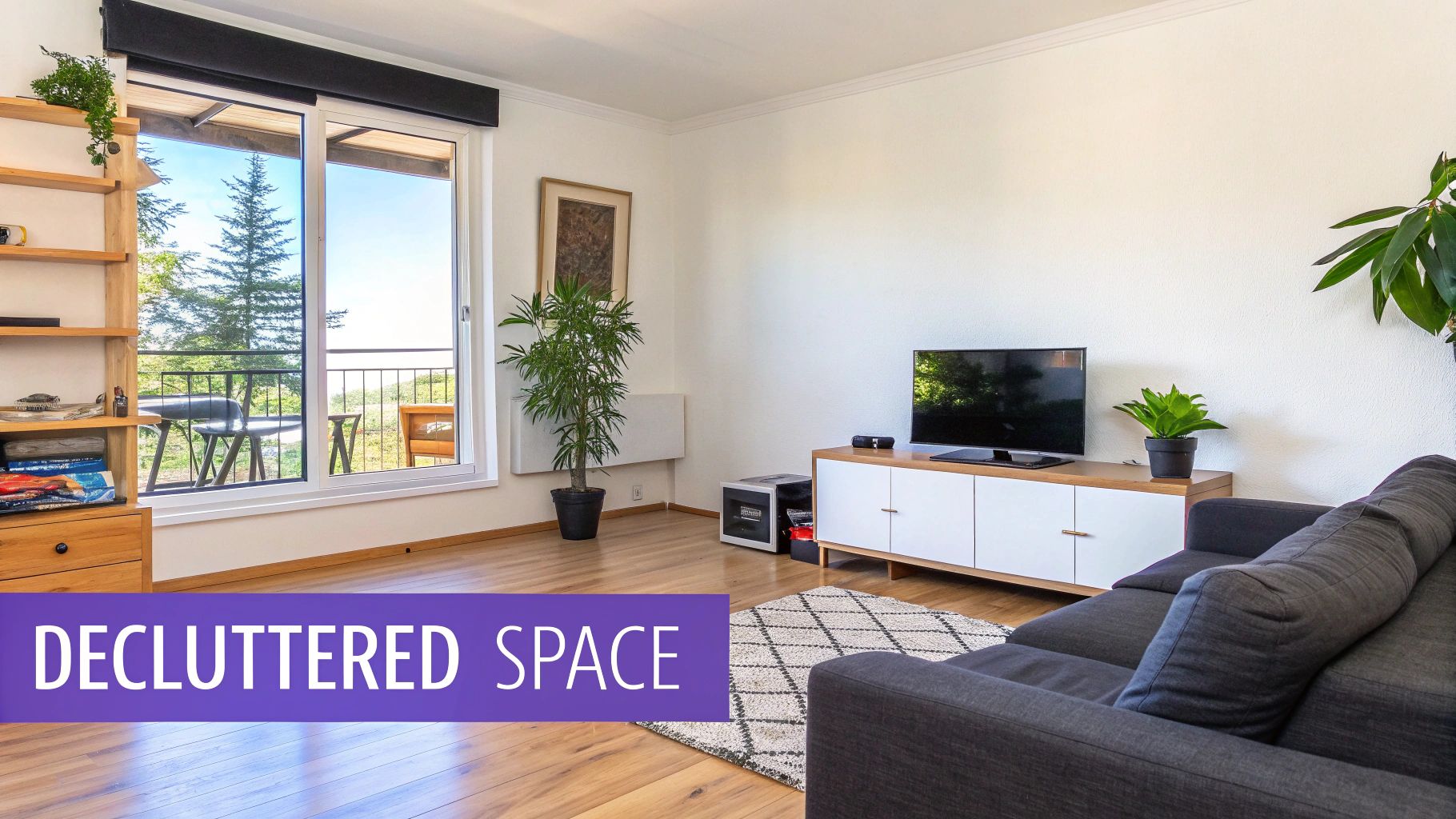
The primary challenge with an occupied home is depersonalization. Buyers need to see a property's potential, not the seller’s life story. This staging technique digitally removes visual noise, reduces furniture to create a sense of spaciousness, and optimizes the layout to highlight the home’s best features. It’s an ideal solution for homeowners still living in the property during the sales process.
The Staging Approach & Strategy
The strategy here is subtraction and refinement. It involves identifying and digitally removing elements that distract or detract from the room's core architecture and flow. A bedroom overfilled with furniture can be transformed into a serene, spa-like retreat by virtually removing an oversized dresser and a bulky armchair, making the space feel instantly larger and more luxurious.
Strategic Insight: Use AI decluttering to not only remove items but to test optimal furniture layouts. For instance, digitally remove the current owner's bulky sofa and experiment by placing a sleek, true-to-scale Crate & Barrel sectional to demonstrate a more modern, open-plan feel. This shows buyers a lifestyle they can aspire to.
Tools like aiStager make this incredibly efficient. It can digitally erase personal photos from a gallery wall, clear off a cluttered kitchen countertop, or even remove dated furniture entirely. Then, you can introduce a few carefully selected, correctly scaled pieces just by uploading a room photo and a product link, ensuring the "after" photo is both aspirational and dimensionally accurate.
Actionable Takeaways & Replicable Methods
- Depersonalize Digitally: The first step is to virtually remove all family photos, personal keepsakes, and memorabilia to create a neutral environment.
- Reduce Furniture by 30-40%: Use an AI tool to remove non-essential furniture. A room with less clutter feels significantly larger and more inviting.
- Showcase the Space: After decluttering, add one or two key pieces to highlight functionality, like placing a single accent chair and a lamp to create a cozy reading nook.
- Experiment with Minimalist Styling: Test different minimalist aesthetics. See if removing a rug and replacing a busy coffee table with a simple, glass-topped one from West Elm improves the room's perceived value and appeal.
5. Color and Finish Variations - Design Concept Comparison
Choosing the right color palette or material finish can make or break a room's appeal, but communicating these options to clients is often a challenge. AI-powered virtual staging offers a dynamic solution by instantly rendering the same room with multiple design variations. This "staging before and after" approach isn't about fixing a problem, but about exploring potential and empowering confident decision-making.
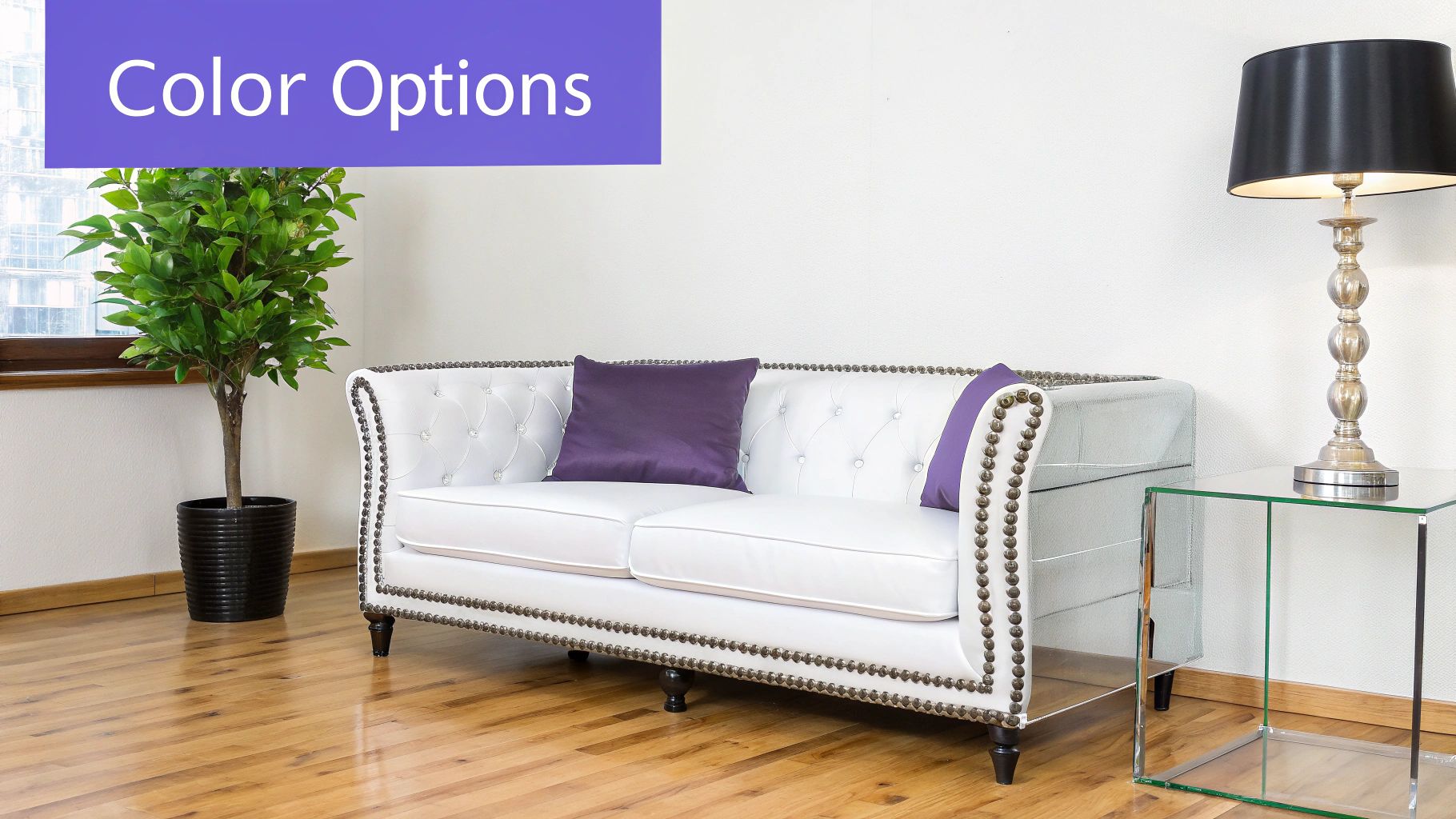
The primary challenge is visualizing how a specific change-like a different cabinet finish or sofa color-will impact the overall feel of a space. Physical mock-ups are costly and time-consuming. AI staging removes this barrier, allowing agents and designers to present a spectrum of aesthetic possibilities, from kitchen cabinets in natural oak versus sleek white to an accent wall in various on-trend shades.
The Staging Approach & Strategy
The strategy here is to facilitate rapid A/B testing for design concepts, helping clients and buyers visualize their personal style in a property. Instead of committing to one look, you can showcase a room's versatility. This is invaluable for new construction, renovations, or even just helping a buyer overcome indecision about a home's existing finishes.
Strategic Insight: Use AI staging to create a personalized "design consultation" for potential buyers. Present a living room with the same layout but showcase it with a navy velvet Joybird sofa for a bold, modern look, and then with a neutral beige Crate & Barrel sectional for a more traditional, family-friendly vibe. This helps buyers connect on a deeper level by seeing their own taste reflected in the home.
aiStager is the only solution that generates hyper-realistic photos with true-to-dimension furniture. You can take a client’s photo and a product link for a specific Restoration Hardware dining table and show them exactly how it looks with a dark charcoal finish versus a light, natural wood tone. In just a few clicks, you can test different types of the same product to find the perfect fit.
Actionable Takeaways & Replicable Methods
- Present a Curated Palette: Offer 3-4 distinct color or finish options for a key feature, like kitchen cabinetry or a statement sofa, to avoid overwhelming the client.
- Maintain Consistent Lighting: Render all variations under the exact same lighting conditions to ensure an accurate and fair comparison of colors and textures.
- Test Accent Wall Colors: Quickly visualize different paint options for an accent wall to see how it affects the room's mood and perceived size before committing to paint.
- Showcase Furniture Variations: Use aiStager to swap out not just colors but different brands and styles. Test a Room & Board sofa against one from West Elm to demonstrate how different products can alter the space’s entire aesthetic. Just upload a photo and a product link to see the new version.
6. Tiny Home and Small Space Maximization - Furniture Layout Optimization
Selling a small space, like a tiny home or studio apartment, presents a unique challenge. Buyers often see a tiny, empty room and immediately think "cramped" and "impractical." This is where strategic staging makes a monumental difference, transforming a perception of limitation into one of clever, functional living. The "staging before and after" in these scenarios isn't just about making it pretty; it's about proving the space works.
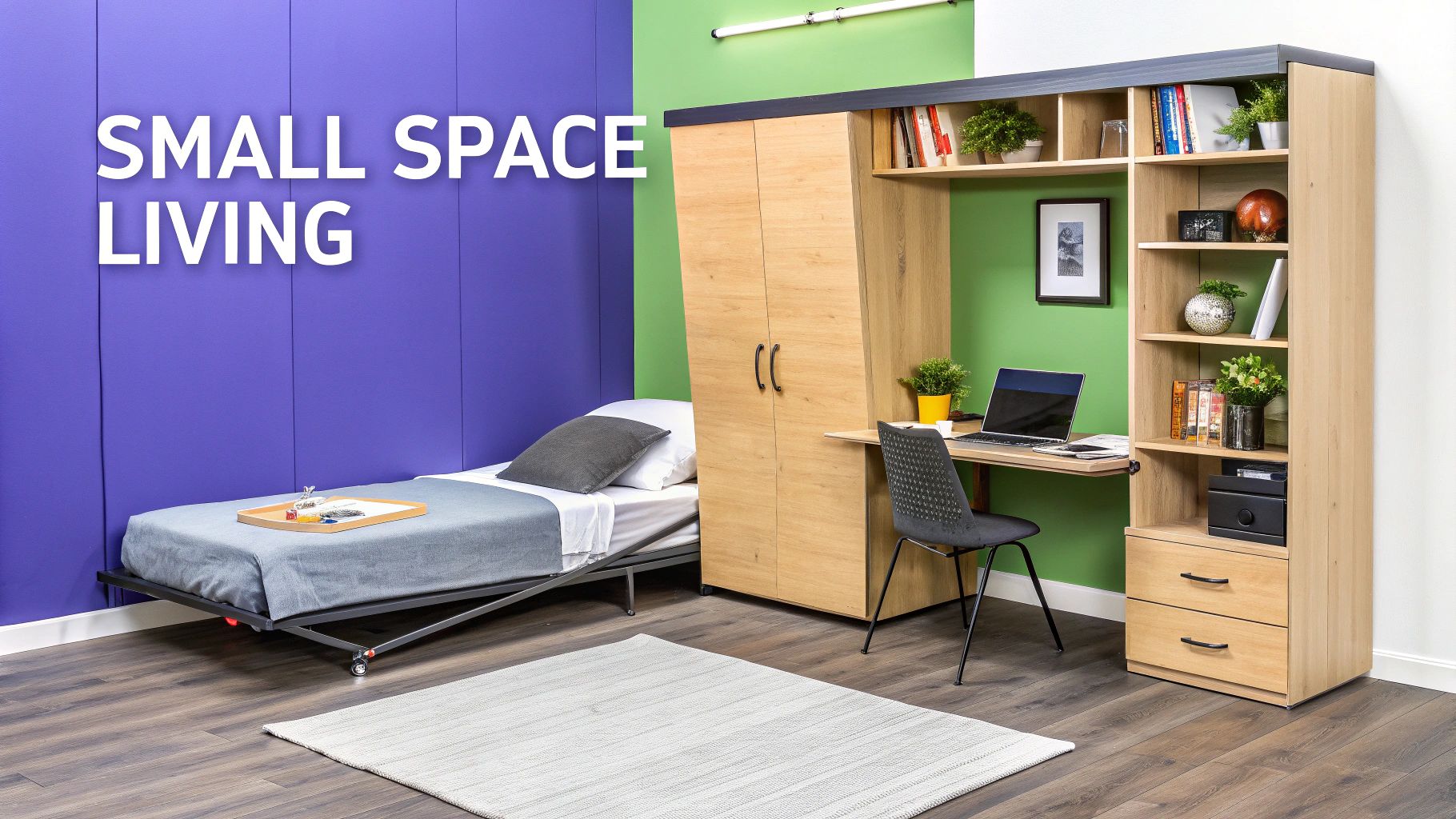
The primary obstacle is demonstrating functionality without causing clutter. Buyers struggle to visualize how a 200 sq ft studio can serve as a bedroom, living room, and office. Virtual staging provides the solution by showcasing intelligent furniture layouts and multifunctional pieces that maximize every square inch, turning buyer skepticism into genuine interest.
The Staging Approach & Strategy
The strategy for small spaces is to create distinct functional zones and emphasize verticality. Instead of a single-use area, staging should illustrate how the space can adapt to different needs throughout the day. This is particularly crucial for developers of micro-units and co-living spaces, where proving livability directly impacts sales and leasing velocity.
Strategic Insight: Use virtual staging to present multiple lifestyle configurations for the same unit. Show one version with a sleek, minimalist desk for a young professional and another with a cozy reading nook and smart storage for a student, tapping into different design inspirations like 'Dopamine Decor' for a vibrant look or 'Quiet Luxury' for a serene feel.
aiStager is the only solution that can generate hyper-realistic photos with true dimension rooms and furniture, which is invaluable here. You can demonstrate how a true-to-scale Floyd Platform Bed with under-bed storage fits perfectly, leaving ample room for a desk. By providing just a photo and a product link, aiStager generates a precise image, assuring buyers that the layout is not just a concept but a practical reality.
Actionable Takeaways & Replicable Methods
- Create Clear Zones: Use area rugs and furniture placement to define separate living, sleeping, and working areas, even in an open-plan studio.
- Showcase Multifunctional Furniture: Virtually stage the space with pieces like a Murphy bed that converts to a desk or an expandable dining table from a brand like Resource Furniture.
- Emphasize Vertical Space: Add tall, narrow bookshelves or floating shelves to draw the eye upward and highlight storage potential.
- Test Furniture Options: Use aiStager to experiment with different space-saving solutions. See if a compact Crate & Barrel loveseat performs better than two stylish armchairs. Just upload a photo of the room and a link to each product to test different colors and finishes in just a few clicks.
7. Seasonal and Holiday Styling Variations - Marketing Campaign Transformation
Static marketing visuals can quickly become stale, but seasonal styling offers a powerful way to keep listings and product showcases fresh and relevant year-round. This "staging before and after" technique involves transforming a single space with different decor to match seasons or holidays, engaging audiences with timely and festive content. This is a game-changer for long-term marketing campaigns where sustained interest is key.
The primary challenge is creating this diverse content without the significant cost and effort of physically re-staging a property multiple times a year. A living room that feels warm and festive in December can feel dated by March. Virtual staging allows marketers to create an entire year's worth of content from a single photoshoot, showcasing a property’s versatility and creating endless opportunities for social media engagement.
The Staging Approach & Strategy
The strategy here is to create a content calendar built around seasonal themes. Instead of one generic image, you generate four or more variations of the same room: a bright, airy look for spring; a vibrant, sunny feel for summer; a warm, cozy aesthetic for fall; and a festive, inviting atmosphere for the winter holidays. This keeps marketing materials dynamic and emotionally resonant with what buyers are experiencing in real-time.
Strategic Insight: Use seasonal staging to tell a story about the lifestyle a home offers. For a winter campaign, add a plush throw blanket to a Crate & Barrel armchair near the fireplace. For summer, stage the same room with lighter fabrics and show the patio doors open to an outdoor seating area. This demonstrates how the home adapts and enhances life throughout the year.
aiStager is the only solution that generates hyper-realistic photos with true dimension rooms and furniture, making seasonal updates effortless. You can take a base photo and generate countless variations. Add a decorated tree for a holiday post, then swap it for a vase of spring flowers a few months later. Just upload a photo of your room and a link to a new product to place it perfectly in the scene in just a few clicks.
Actionable Takeaways & Replicable Methods
- Plan a Content Calendar: Map out key seasons and holidays (e.g., Spring Refresh, Summer Living, Fall Harvest, Winter Holidays) and plan your virtual staging variations accordingly.
- Keep It Tasteful: Focus on subtle seasonal cues like changing throw pillows, artwork, or small decor items rather than over-the-top decorations that can feel cluttered.
- Test Trending Palettes: Use virtual staging to experiment with trending seasonal colors. See if a terracotta-hued accent wall for autumn resonates more with your audience than a traditional orange and brown palette.
- Highlight Versatility: Use seasonal variations to show how a space can be used differently. A sunroom can be a bright reading nook in the spring and a cozy spot for hot chocolate in the winter.
8. Commercial and Hospitality Space Redesign: From Dated to Destination
Commercial and hospitality spaces present a unique staging challenge. The goal isn't just to sell a property but to sell an experience. A dated hotel lobby or a generic restaurant interior can deter customers and impact revenue. Virtual staging is a powerful tool for these large-scale projects, allowing stakeholders to visualize and market a complete transformation before committing to costly renovations.
The primary hurdle is translating a design concept into a tangible vision that investors, managers, and future customers can believe in. An architectural drawing feels abstract, but a photorealistic rendering of a redesigned space creates immediate excitement and buy-in. This "staging before and after" for commercial properties bridges the gap between blueprint and reality, accelerating decision-making and pre-launch marketing.
The Staging Approach & Strategy
The strategy here is to build a brand identity and atmosphere. For a hotel, restaurant, or corporate office, the design must reflect its brand, create a specific mood, and optimize functionality for guests or employees. Virtual staging allows for extensive pre-visualization, ensuring every element from lighting to furniture layout contributes to the desired customer experience.
Strategic Insight: Use AI-powered virtual staging to A/B test high-impact design choices across multiple locations for brand consistency. For a hotel chain, you could render a lobby with both a sleek, modern look using Crate & Barrel seating and a more classic, luxurious feel with pieces from Restoration Hardware to see which resonates more with your target guest profile before a national rollout.
aiStager is the only solution that generates hyper-realistic, dimensionally accurate visualizations, perfect for commercial projects. This allows designers to test the fit and feel of specific commercial-grade furniture, like placing an exact-scale modular sofa in a hotel lounge just by uploading a room photo and a product link. The result is a marketing asset and a practical design validation tool.
Actionable Takeaways & Replicable Methods
- Prioritize Atmosphere with Lighting: Use virtual staging to model different lighting schemes (e.g., warm ambient, dramatic spotlights) to create the perfect mood for a restaurant or hotel bar.
- Show the Guest Experience: Stage scenes that depict use, like a cozy seating area in a lobby with coffee tables and ambient light, or a fully set dining table in a restaurant.
- Test High-Cost Items Virtually: Before ordering 100 custom chairs, render them in the space to validate color, style, and scale against the overall design. Test different finishes on the same chair model to make the perfect choice.
- Market Before You Build: Use the "after" images in marketing campaigns to generate buzz and bookings long before renovations are complete. For example, a restaurant redesign can drive a 30% increase in pre-opening reservations.
8 Before-and-After Staging Comparisons
| Use Case | Implementation Complexity 🔄 | Resource Requirements ⚡ | Expected Outcomes ⭐ | Typical Impact 📊 | Ideal Use Cases / Key Advantages 💡 |
|---|---|---|---|---|---|
| Empty Apartment to Furnished Showcase | Medium 🔄 — AI staging + scale & lighting tuning | Medium ⚡ — high-quality photos, room dims, style templates | ⭐ High — stronger visual appeal and move-in perception | 📊 Up to ~30–40% more inquiries; faster sales vs physical staging | 💡 Ideal for competitive listings, virtual tours; key advantage: large cost/time savings vs rental staging |
| Furniture Retail Product Page Enhancement | Low–Medium 🔄 — product mapping into lifestyle scenes | Medium ⚡ — product specs, baseline room templates, mobile assets | ⭐ High — better purchase confidence | 📊 20–30% fewer returns; improved conversions | 💡 Ideal for e‑commerce product pages and A/B tests; key advantage: reduces returns and increases conversions |
| Interior Design Moodboard to Implementation | Medium–High 🔄 — translate concepts into client-room renders | High ⚡ — designer input, product sourcing, accurate dims | ⭐ High — clearer client approvals | 📊 3–4× faster approvals; fewer revisions | 💡 Ideal for client proposals and remote consults; key advantage: accelerates decision-making and budget accuracy |
| Home Decluttering and Space Optimization | Low–Medium 🔄 — object removal and layout simplification | Low ⚡ — quality photos and precise removal tools | ⭐ Medium — improves perceived space and staging clarity | 📊 Can boost perceived value (example ~15% price improvement) | 💡 Ideal for cluttered listings and pre-sale prep; key advantage: instant declutter without physical moves |
| Color and Finish Variations | Low 🔄 — apply palettes/finishes consistently | Low ⚡ — product codes, controlled lighting for accuracy | ⭐ Medium–High — speeds aesthetic choices | 📊 Reduces selection errors and sample production | 💡 Ideal for color selection, cabinetry/fabric choices; key advantage: avoids physical samples, supports rapid A/B testing |
| Tiny Home & Small Space Maximization | High 🔄 — precise scale & multifunctional layout modeling | Medium–High ⚡ — exact dims, multi‑function furniture assets | ⭐ High — demonstrates livability effectively | 📊 Can shorten sale time (example up to ~40% faster) | 💡 Ideal for micro‑units and tiny homes; key advantage: shows practical layouts and ROI for compact units |
| Seasonal & Holiday Styling Variations | Low 🔄 — themed decor overlays and palette swaps | Low ⚡ — seasonal assets and style templates | ⭐ Medium — refreshed marketing content | 📊 Generates 4× social/content variations; low cost vs reshoot | 💡 Ideal for campaigns and social media; key advantage: frequent fresh content at low cost |
| Commercial & Hospitality Space Redesign | High 🔄 — large-scale, branded consistency needed | High ⚡ — detailed renderings, stakeholder inputs, multiple vantage points | ⭐ High — supports stakeholder sign-off and marketing | 📊 Faster approvals; enables pre-bookings and reduced change orders | 💡 Ideal for hotels/restaurants and renovations; key advantage: reduces construction surprises and accelerates revenue realization |
The Future of Staging Is Here, and It's Instant
The "before" and "after" images we've explored tell a powerful story. They prove that strategic staging is not just an aesthetic enhancement; it is a critical business tool that drives results. From transforming an empty apartment into a vibrant, sold listing to showcasing multiple design concepts for a client in minutes, the impact of a well-executed "after" is undeniable.
Traditionally, achieving these transformations required significant investments in time, money, and physical labor. Today, that entire paradigm has shifted. The future of staging is no longer about logistical challenges and budget constraints. It’s about speed, flexibility, and hyper-realistic visualization powered by intelligent technology.
From Aspiration to Action: Key Takeaways
Across all the examples, from residential listings to commercial redesigns, a few core principles stand out. Mastering these is the key to creating compelling staging before and after narratives that convert.
- Define the Target Audience: The most successful "after" images were not just beautiful; they were strategically tailored. The urban loft needed a sleek, modern feel, while the family home required a warm, inviting atmosphere. Always start by asking who you are trying to attract.
- Solve the "Before" Problem: Every "before" photo presents a problem: empty space lacks vision, clutter creates anxiety, and outdated furniture hides potential. Your "after" must be the solution. It should clearly demonstrate how the space can be lived in, worked in, or enjoyed.
- Embrace Hyper-Realism and Specificity: Generic virtual staging is a thing of the past. The power of modern tools like aiStager lies in its unique ability to generate hyper-realistic photos with true dimension rooms and furniture objects. Being able to test a specific West Elm sofa versus a Crate & Barrel sectional, complete with accurate colors and finishes, removes the guesswork for buyers and clients. This level of detail builds trust and accelerates decision-making.
The New Staging Workflow: Instant, Iterative, and Impactful
The most significant shift highlighted in our case studies is the move from a static, one-time staging effort to a dynamic, iterative process. You are no longer locked into a single design choice. With a tool like aiStager, you can create dozens of variations in the time it used to take to schedule a single furniture delivery.
Consider the power this gives you:
- For Real Estate Agents: Show a single property styled for a young professional, a growing family, and a minimalist retiree, all from the same set of photos.
- For Interior Designers: Present a client with five different color palettes and furniture layouts for their living room during a single meeting, making changes in real-time based on their feedback.
- For Retailers: Instantly place your new product line into hundreds of user-generated room photos, creating authentic, high-converting marketing assets on a massive scale.
This is the new standard. The ability to visualize potential instantly and accurately is what separates successful projects from stalled ones. The staging before and after effect is no longer a luxury; it’s an essential, accessible strategy for anyone looking to unlock the true value of a space. The "after" is no longer a destination you hope to reach after weeks of work. It’s a reality you can create in a matter of clicks.
Ready to create your own stunning staging before and after transformations in seconds? Explore how aiStager uses hyper-realistic, dimensionally accurate AI to turn any "before" into a compelling "after" with real products from any brand. Visit aiStager to start visualizing the possibilities today.