10 Best Apps for Home Improvement in 2026
Find the best apps for home improvement. Our 2026 guide covers design, measurement, AR, project management, and hyper-realistic AI staging.
You start with one room and a simple goal. Then the work spreads fast. Measurements go in your notes app, inspiration shots pile up in your camera roll, paint samples look different at noon than they do at night, and product tabs multiply until you are no longer making decisions with much confidence.
Good home improvement apps fix that problem by supporting the order real projects tend to follow. Measure the space. Build a usable room model. Explore products and layouts. Check color. Price materials. Hire help if the job is beyond your time or skill. Then verify the final look with enough realism to avoid an expensive mistake.
That last step is where a lot of app roundups fall short. Plenty of tools help you draft, browse, or estimate. Fewer help you see real, purchasable pieces in your actual room in a way that is convincing enough to act on. Newer AI tools such as aiStager are starting to close that gap, which matters because the final visual check is often where homeowners either commit with confidence or stall out.
I would not pick these apps as a random top-10 list. I would use them as a project workflow. Some are field tools for capturing dimensions. Some are better for product research or contractor matching. Some help you pressure-test design choices before you order flooring, cabinets, or furniture. If you need a stronger starting point for measurements and layout, this guide to online floor plan software for early planning is worth reviewing before you choose your stack.
Below are the 10 apps I would put in that sequence.
1. magicplan
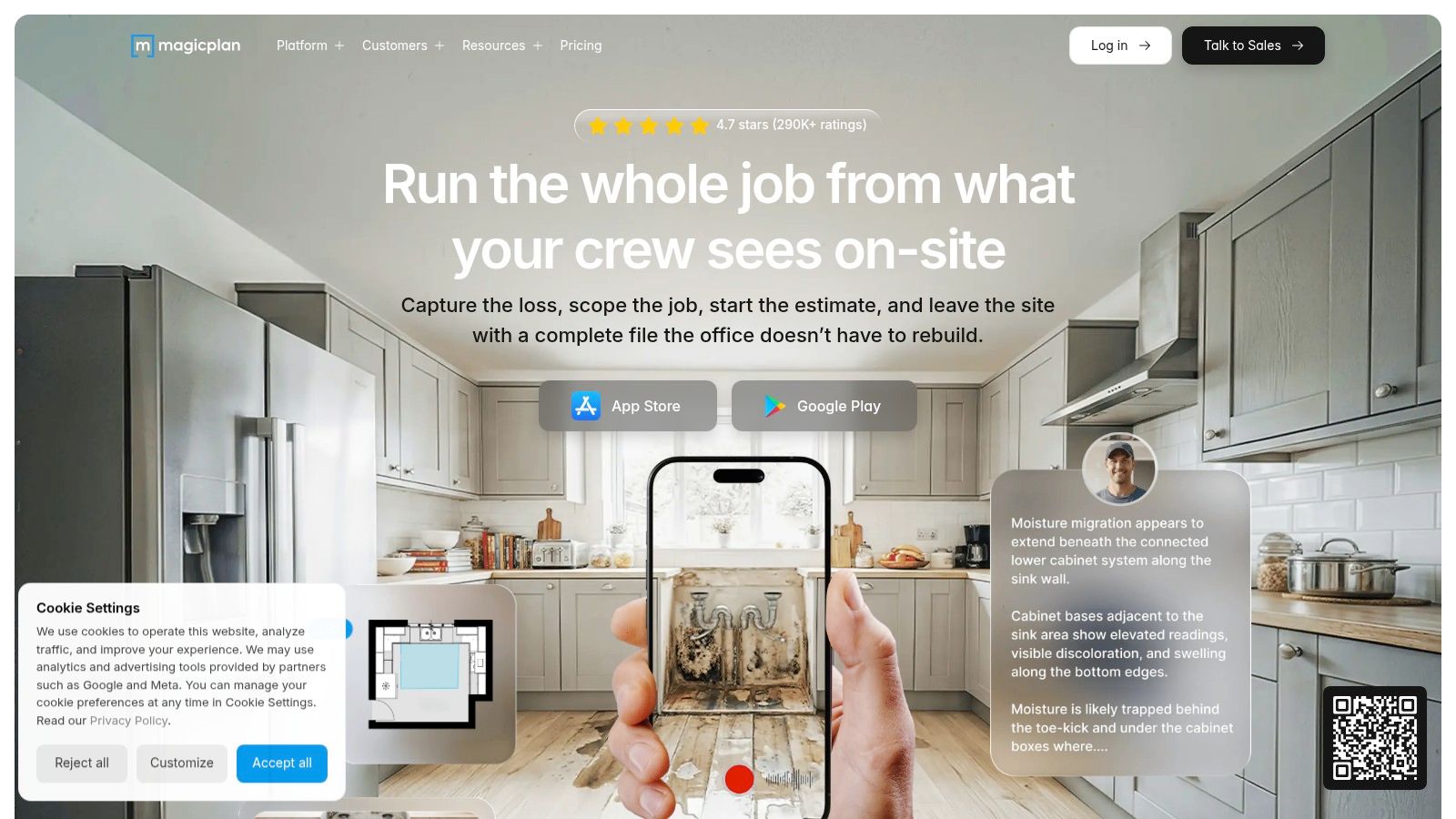
If you need to capture an existing space fast, magicplan is one of the most useful field tools in this whole category. It's built for the messy middle of real work, where you're standing in a room, documenting damage, measuring walls, taking photos, and trying to avoid re-entering the same information later.
What makes it practical is the combination. You can capture floor plans, attach site photos and notes, and turn that into reports or estimate-ready documentation. Remodelers and restoration crews tend to like tools that cut down app switching, and this one does that well.
Where it works best
magicplan is strongest before design gets glamorous. Use it when you need room dimensions, documentation, and job-site organization more than polished visuals.
- Best for remodel planning: It's strong for as-builts, room-by-room scope notes, and quick estimating workflows.
- Best for site documentation: Photos, videos, and notes tied to the plan are more useful than a loose camera roll.
- Best for spotty service areas: Offline workflow matters more than most app stores admit.
The weak spot is visualization. You can plan with it, but you won't use it to judge whether a Camel leather sectional feels too heavy against white oak floors.
Practical rule: Use magicplan to capture the room correctly. Then move to a visualization tool when finishes and furniture choices start driving the budget.
If you're comparing room-capture options, this guide to online floor plan software is a good next read. It helps separate measurement tools from presentation tools, which a lot of buyers mix up.
2. Canvas Home Design
Canvas Home Design is for people who are tired of hand-measuring every niche, jog, and crooked corner. If you've ever walked a house twice because your first set of notes didn't make sense back at the office, this app solves a real problem.
It uses LiDAR-equipped iPhones and iPads to scan rooms, then turns those scans into CAD or BIM deliverables through its Scan To CAD service. That's the part that matters. A lot of scanning apps can produce something visually impressive. Fewer create files your architect, cabinet designer, or drafting team can use.
Why pros keep this in the stack
Canvas is less of a homeowner toy and more of a production tool. It fits best when the next step is Revit, SketchUp, Chief Architect, or AutoCAD, not just mood boarding.
A few trade-offs are worth knowing:
- Big time saver: It cuts a lot of manual measuring and redrafting from the front end of a project.
- Good downstream compatibility: Native-format support matters if several people touch the same project.
- Not hardware-neutral: The best workflow depends on LiDAR-equipped Apple devices.
- Costs rise with scope: Scan To CAD is a paid conversion service, so larger homes cost more to process.
This isn't the app I'd hand to a homeowner repainting a bedroom. It is the app I'd choose when a remodel needs a dependable base drawing and the existing house is too irregular for guesswork.
If the room shell is complicated, capture accuracy first. You can always simplify later. Re-measuring after design starts is where time gets burned.
3. Houzz
Houzz is still one of the easiest ways to move from “I like this look” to “who can build it, and where do I buy it?” That's why it has staying power. It launched in 2011 and became a major planning hub by building out photos, articles, shopping, and AR product visualization in one ecosystem, according to this review of top home improvement apps.
That broad reach is also its biggest strength and biggest weakness. Houzz does many things reasonably well. It rarely feels like the deepest tool in any single category.
What Houzz is good at
The app shines early in a project, when taste is still forming and you're collecting references. If a client says they want “warm modern” or “coastal but not beachy,” Houzz helps narrow that conversation faster than a spreadsheet of product links.
Its AR feature, View in My Room 3D, is useful for rough checks on scale and style. It's better than guessing, especially for simple pieces like sideboards, pendants, or accent chairs.
- Inspiration and shopping together: That cuts friction when ideas need to turn into product lists.
- Professional directory: Helpful when you need to source a designer, contractor, or trade specialist.
- Business tools on Houzz Pro: Useful for some firms that want estimates, takeoffs, and client communication in one place.
Where it falls short
AR previews are still just previews. They help with fit and direction, but they're not the same as a final photoreal image with exact product behavior in your lighting conditions.
That matters if you're comparing, say, a Crate & Barrel lounge sofa against a Cisco Home piece in the same room. Houzz can help you browse. It's not the tool I'd trust for the last approval before ordering.
4. IKEA app with IKEA Kreativ
The IKEA app with IKEA Kreativ is one of the better consumer-friendly planning tools because it does something many retail apps still fumble. It lets people work inside their own room instead of imagining products in a blank catalog set.
You can scan a room, digitally remove existing furniture, and drop in IKEA products at scale. For layout testing, that's useful. If someone wants to know whether open shelving will make a small dining room feel lighter, or whether a lower-profile bed helps a tight guest room, this is a fast way to test it.
Best use case
I recommend this app when the project is still layout-heavy and budget-sensitive. It's especially handy for first apartments, rental refreshes, kids' rooms, and secondary spaces where speed matters more than custom detailing.
A few strengths stand out:
- Real products with live pricing: You're not designing with fantasy objects.
- Quick erase-and-replace flow: Helpful for trying a clean slate without moving furniture physically.
- Cross-device continuity: Starting on your phone and continuing on the web is practical.
The limitations are obvious too. You're locked into IKEA's catalog, and feature parity varies by device. If you want to compare IKEA against West Elm, Article, or a specific CB2 piece, the app stops being enough.
That's the core trade-off with brand apps in general. They're useful when you already want that brand. They're much less useful when you're still deciding between brands, finishes, and product families.
5. Sherwin-Williams ColorSnap Visualizer
Paint is where confident people make expensive mistakes. A small swatch looks soft and balanced, then suddenly the whole room reads lavender at dusk or sterile at noon. Sherwin-Williams ColorSnap Visualizer helps avoid that problem by letting you test color on uploaded photos or through AR.
Its value is straightforward. You can preview wall colors, match shades from images, save palettes, and keep everything tied to your account. For homeowners choosing between warm whites or deciding whether a moody office should go deeper, that's enough to narrow decisions before buying samples.
What to expect in real rooms
This app works best when your photo is clean and well lit. Straight walls, decent daylight, and clear edges make the preview much more believable.
- Good for comparison rounds: It's strong when you're choosing among several related shades.
- Good retail follow-through: Once you settle on a direction, sampling and pickup are easy.
- Still brand-specific: You're shopping inside Sherwin-Williams' palette, not across all paint systems.
The app should narrow paint choices, not make the final choice for you. I still like to confirm color with a physical sample on the actual wall.
If you want a more detailed approach to digital color testing before sampling, this guide on how to see paint colors in your room is useful. It covers the gap between a quick visualizer pass and a more complete room preview.
6. aiStager
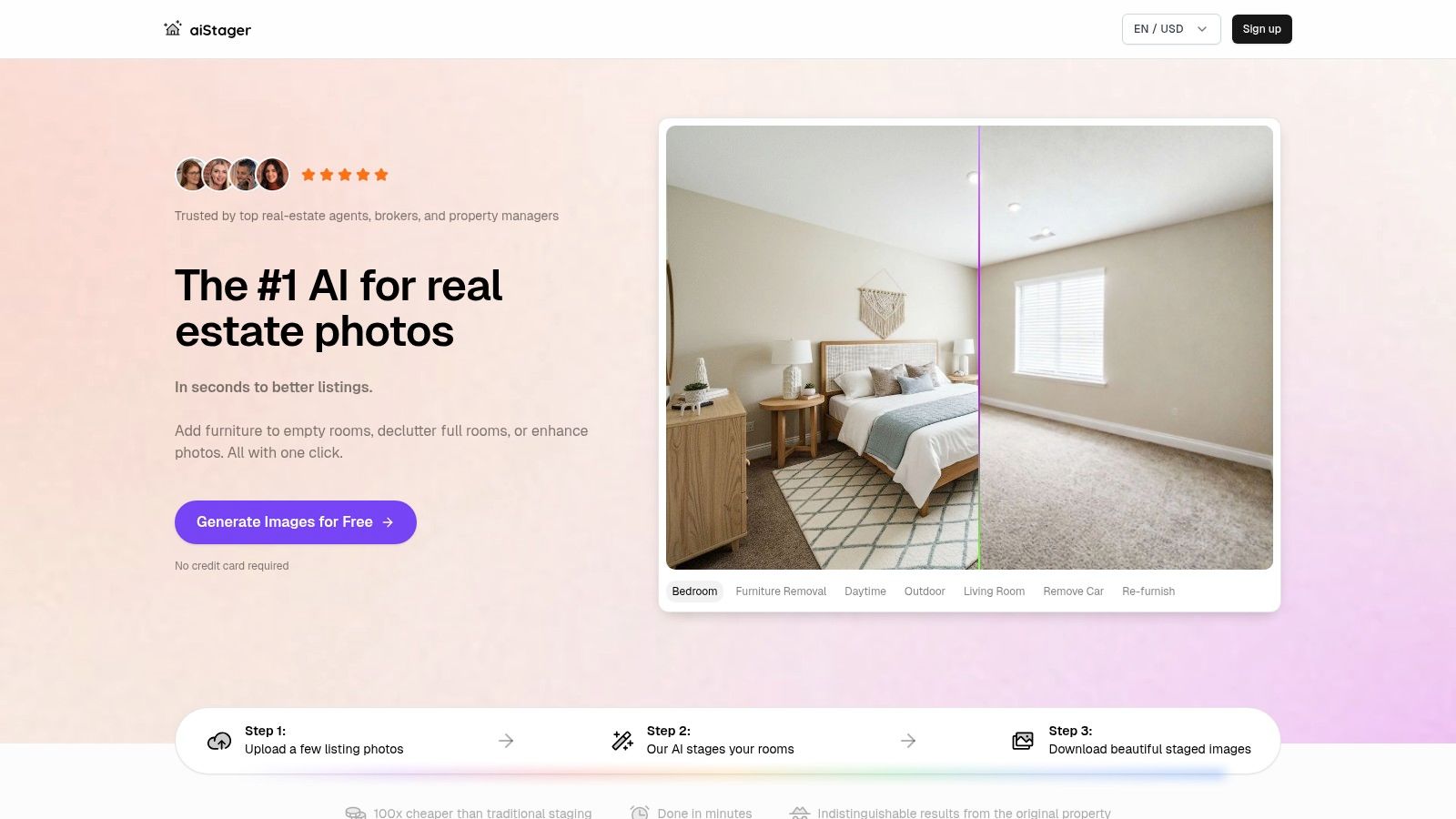
You've measured the room, saved inspiration, narrowed paint, and picked a few real products. The last hard part is seeing whether those exact items will work in your space before you spend money. aiStager handles that step better than planning apps that stop at mood boards or generic mockups.
The practical advantage is simple. You start with a real photo of your room, then add actual products from brand or retailer URLs instead of choosing from a closed catalog. For homeowners and designers, that changes the conversation from “something like this” to “this exact sofa, in this exact room.”
I'd put aiStager near the end of a normal project workflow. magicplan helps with measurements. Houzz and IKEA help you gather options. ColorSnap helps narrow paint. aiStager is the point where you pressure-test the final selections against the room you already have.
Why it earns a spot on this list
The output is built to look photoreal, with correct perspective and believable lighting from a single room photo. It also uses product dimensions, which matters more than many homeowners realize. I see plenty of digital previews fail because the scale is off by even a few inches, and that is how you end up with a rug that feels too small or a sectional that crowds a walkway.
That makes aiStager useful for purchase decisions, client approvals, and listing updates where realism affects confidence. If you want a closer look at how these tools work in practice, this guide to AI for interior design workflows and room visualization gives helpful context.
A good example is a living room refresh. Upload the room photo, test two specific sofas from different retailers, then swap finishes on the coffee table or change the rug size. That is faster than rebuilding the room in full 3D, and it is usually closer to the way homeowners shop.
- Uses real product links: Better for comparing purchasable items, not placeholders.
- Handles scale well: Dimensions are part of the workflow, which reduces common sizing mistakes.
- Works for several use cases: Homeowners, interior designers, stagers, retailers, and real estate teams can all use the same basic process.
- Helps with restyling: You can test decluttering, furniture swaps, and finish changes without touching the room first.
The trade-offs
aiStager is a visualization tool, not a construction planning app. It will not replace CAD drawings, permit documents, takeoffs, or contractor estimating. Photo quality also matters. Clean angles, decent daylight, and visible room edges produce stronger results than a dark phone snapshot taken from a doorway.
The pricing model is credit-based, which some users will like and others will not. For occasional use, that can make sense. For heavy testing across several rooms, buyers should check current plan details carefully before committing.
If your sticking point is the final buy decision, this app fills a gap the other tools in this guide do not. It helps you see real, purchasable products in your actual room before checkout, which is often the last and most expensive source of hesitation. For readers comparing service marketplaces later in the process, this separate roundup of HomeAdvisor alternatives for 2026 is also useful once you move from visualization to hiring.
7. Angi
Angi is a hiring and scoping tool before it's anything else. When homeowners ask which app helps them get work done instead of just planning it, this is usually part of the answer.
The app is strongest when the project scope is still fuzzy. If you know you need a bathroom refresh, electrical work, deck repair, or window replacement but don't yet know the proper order or rough budget range, Angi helps frame that conversation.
What homeowners like and what pros don't
Homeowners tend to like the cost guides, category depth, and the ability to match with local professionals in one place. It lowers the friction of getting started.
Pros have a more mixed relationship with lead platforms in general. That doesn't mean the app is bad. It means response quality can vary by trade and market because lead-generation economics affect how contractors participate.
- Good for broad project categories: Helpful if you're not sure which specialist you need.
- Good for first-pass budgeting: Cost guidance is better than going in blind.
- Less useful for deep vetting: You still need to interview, compare scope, and check whether someone understands your specific finish level.
If you're comparing platforms in this category, this roundup of HomeAdvisor alternatives for 2026 is a useful companion read.
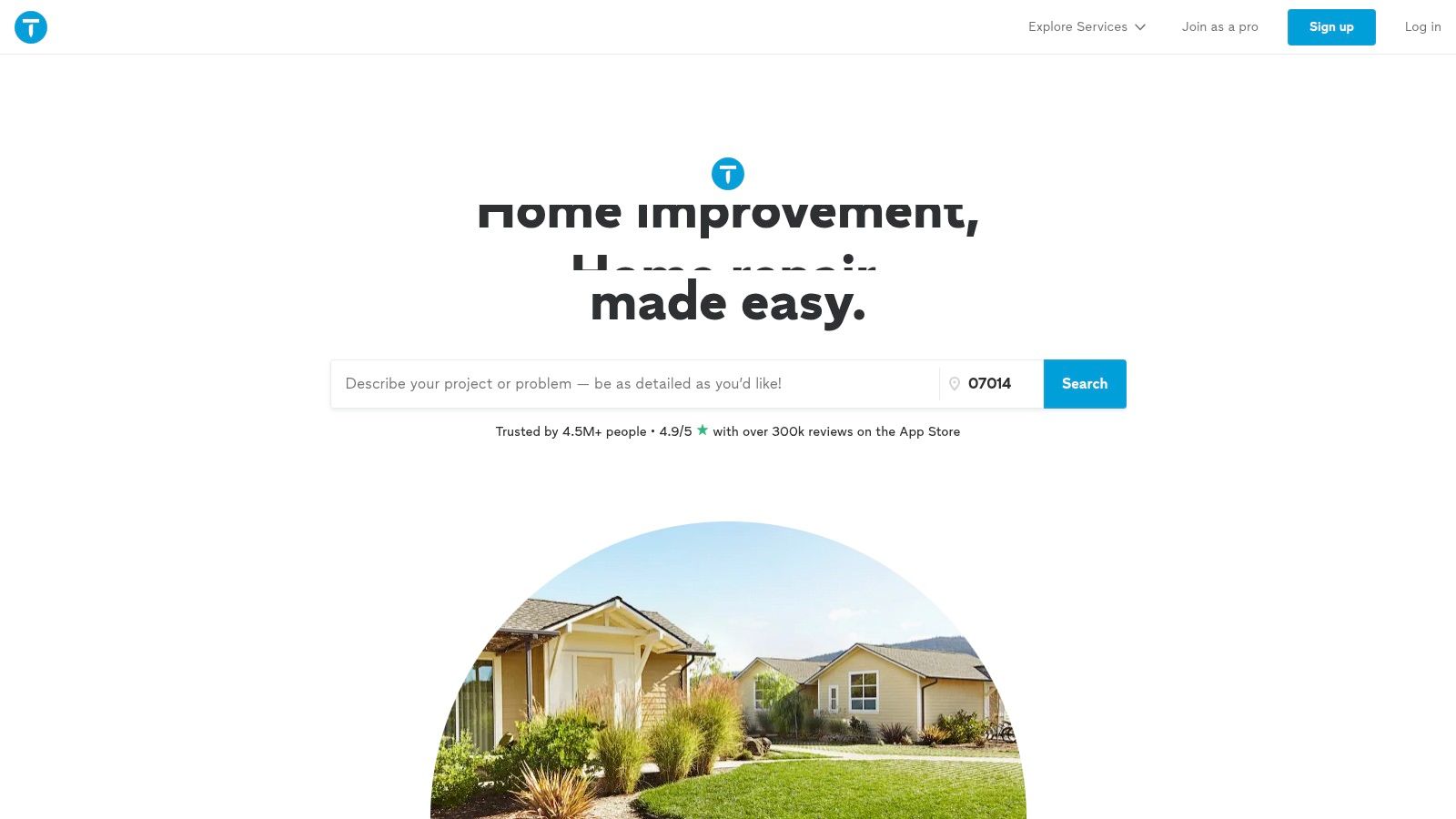
8. Thumbtack
Thumbtack moves faster than Angi for a lot of small and mid-size jobs. If the goal is to message several local pros and get multiple bids moving quickly, Thumbtack is often the cleaner experience.
Its strength is speed. You can search by service, review profiles, check photos, and start conversations without much friction. That makes it practical for patch-and-paint work, fence repair, landscaping, light remodeling, furniture assembly, and all the jobs that don't justify a long procurement process.
Best fit for this app
Thumbtack works best when you already know the task. “Install a ceiling fan” or “replace a vanity and faucet” is ideal. “Help me rethink my whole first floor” is not.
A few real-world notes:
- Fast quote gathering: Useful when timing matters more than perfect curation.
- Clear profiles and review signals: Better than relying on a random search result.
- Can feel noisy: Some homeowners get aggressive outreach once the request goes live.
For small jobs, speed wins. For larger remodels, the ability to compare detailed scope wins. Don't use the same hiring process for both.
I treat Thumbtack as a practical sourcing tool, not a design authority. It helps fill your shortlist. It doesn't replace checking references, licenses, or how a contractor handles change orders.
9. The Home Depot app
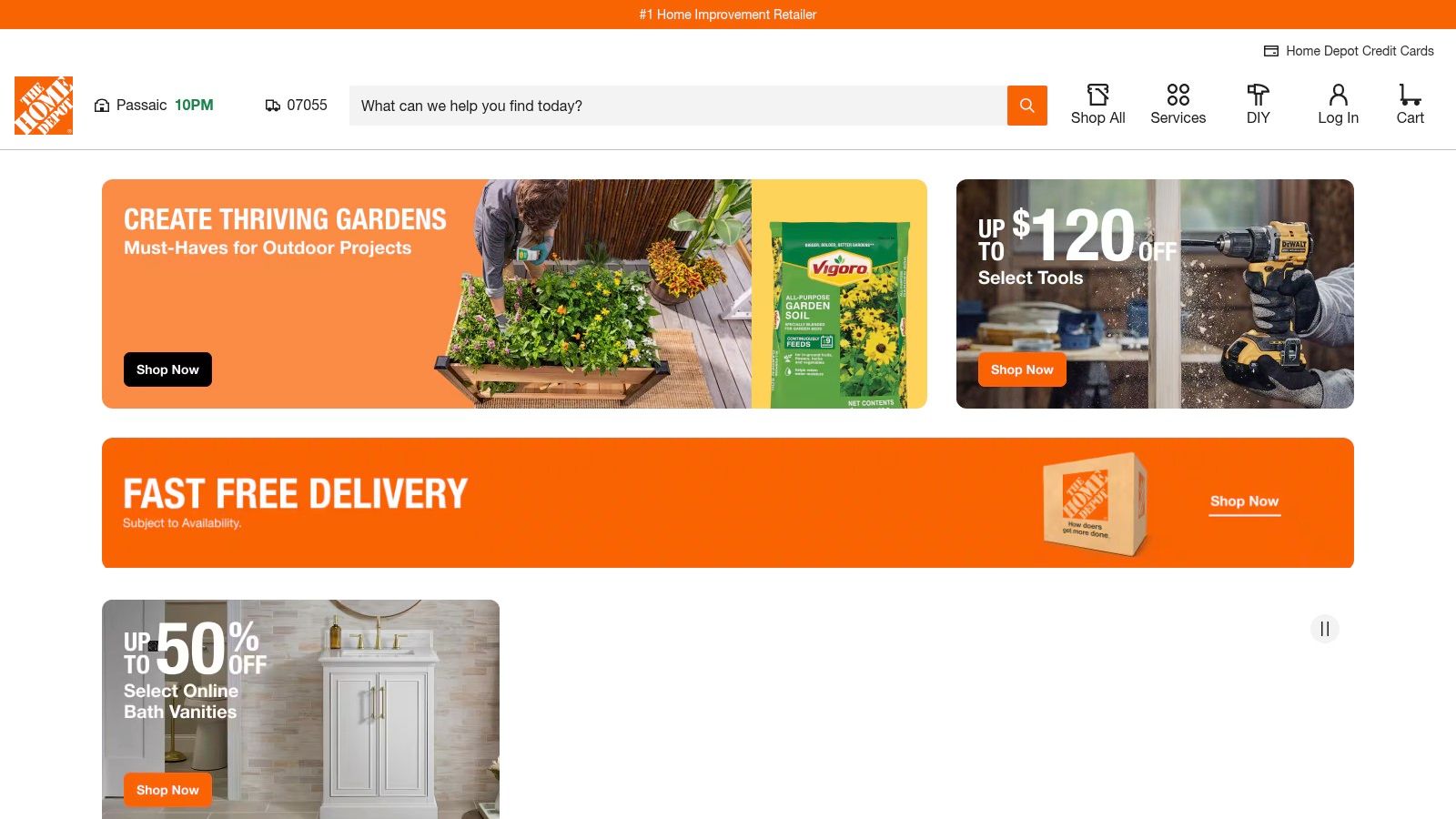
The Home Depot app is one of the most useful purchase-and-fulfillment tools in this list because it connects planning to actual material acquisition. That sounds obvious, but a lot of beautiful design apps still stop just before the point where projects become expensive and inconvenient.
The app includes product search, image-based search, real-time inventory, order tracking, pickup options, and tools for pros through Pro Xtra. If you're running a renovation, being able to confirm local stock before sending someone across town saves more stress than any inspiration board.
Why it belongs in the workflow
This app is less about dreaming and more about keeping momentum. Once a design direction is set, many projects either stay organized or drift, dependent on the app.
One market summary of DIY renovation apps notes that Home Depot stands out for practical functions like barcode scanning and in-store navigation, which fits exactly how many homeowners and field teams use it during active projects. That same market report also says the DIY home renovation apps market was valued at USD 364.30 billion in 2023 and is forecasted to reach USD 643.19 billion by 2032.
- Strong for materials logistics: Inventory, pickup, and delivery matter once work starts.
- Useful for repeat purchases: Order history saves time on multi-phase jobs.
- Less helpful for design confidence: Visualization features are limited and product dependent.
If a homeowner is doing tile, paint, trim, and lighting in one phase, this app earns space on the phone. It keeps the build side moving, even if it won't help much with aesthetic judgment.
10. iScape
iScape is the outdoor specialist in this group. Most indoor-focused apps break down once the project shifts to planting beds, patio furniture, pavers, retaining walls, or backyard layout changes. iScape handles those early concept conversations better than a general interior app.
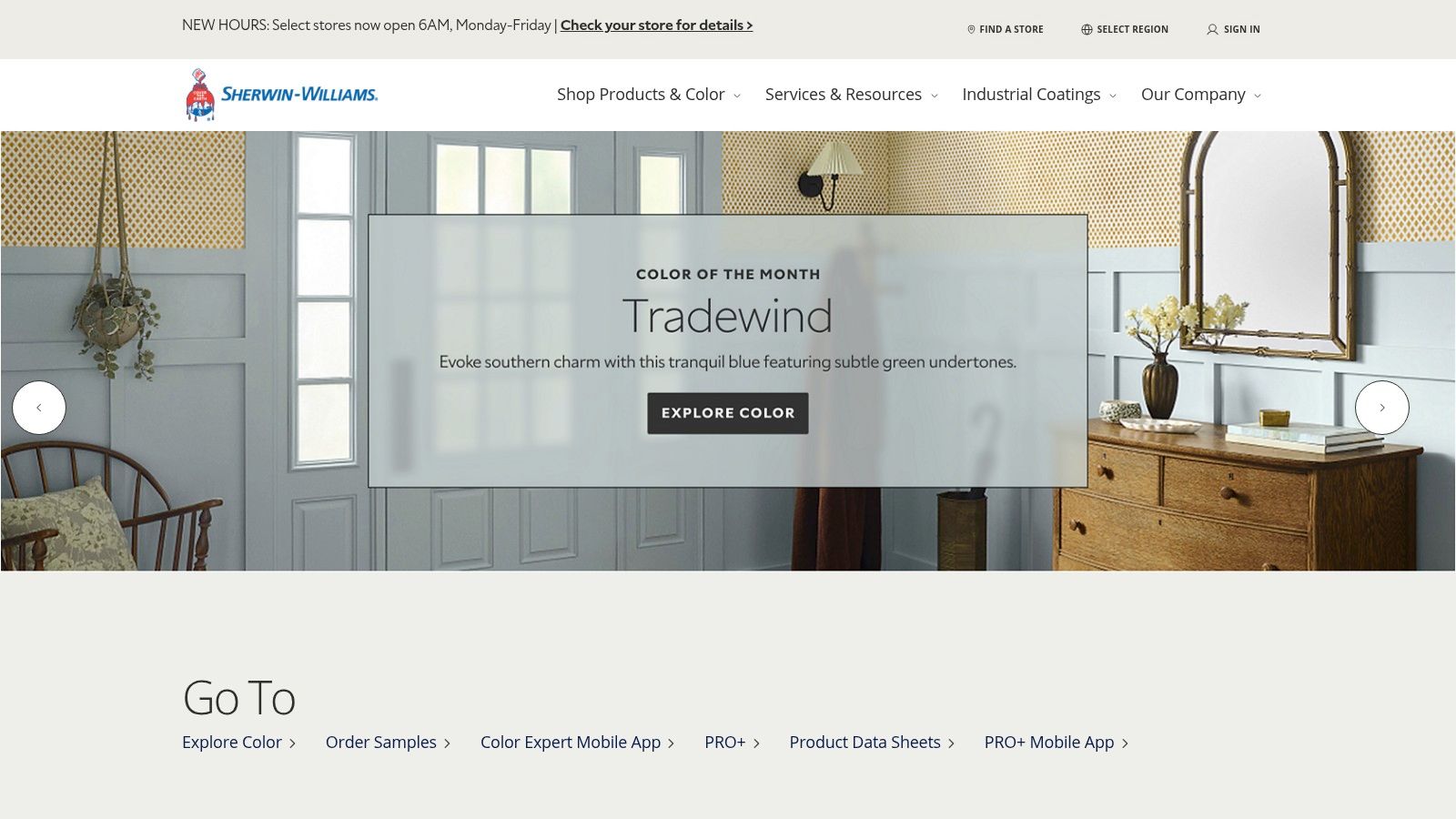
It's not trying to be construction documentation software. It's for visualizing and comparing options. That makes it a good fit for homeowners deciding between a gravel seating area and poured concrete, or outdoor designers who need a presentable concept before final pricing.
Where it helps most
Outdoor projects often stall because homeowners can't picture the whole composition. They may like bluestone, cedar screening, and ornamental grasses individually, but they can't tell whether the yard will feel crowded or balanced.
iScape helps with that early confidence step.
- Good concept speed: Faster than full CAD for patios, planting, and layout studies.
- Good client communication: Easier to discuss alternatives when there's a visual.
- Not for build-ready details: Final grading, drainage, and structural decisions still need proper documentation.
I wouldn't use it to detail a retaining wall section. I would use it to decide whether the backyard needs a fire pit zone, a dining terrace, or more open lawn.
Top 10 Home Improvement Apps Comparison
| Product | Core features | UX / Quality (★) | Value / Price (💰) | Target audience (👥) | Unique selling points (✨) |
|---|---|---|---|---|---|
| magicplan | Measured floor plans (manual/camera/LiDAR), photos, estimates | ★★★★, field‑first, offline | 💰 Subscription + per‑project; 2 free starter projects | 👥 Remodelers, estimators, restoration teams | ✨ Combines capture, docs & estimating in one offline workflow |
| Canvas: Home Design (Occipital) | iPhone/iPad LiDAR scans → Scan‑to‑CAD (Revit/SketchUp/etc.) | ★★★★★, high accuracy with LiDAR | 💰 Pay‑per‑deliverable (per sq ft) | 👥 Architects, surveyors, pros needing as‑builts | ✨ One‑tap Scan→CAD, broad format export support |
| Houzz | Inspiration, marketplace, AR “View in My Room 3D”, pro directory | ★★★★, massive catalog, mixed pro ROI | 💰 Free browse; Houzz Pro paid tiers | 👥 Homeowners, designers, contractors | ✨ Integrated shopping + pro discovery + AR previews |
| IKEA app (Kreativ) | Room scan, erase/replace, place true‑to‑scale IKEA products | ★★★★, easy consumer UX; best with LiDAR | 💰 Free app; live product pricing | 👥 Shoppers wanting IKEA solutions | ✨ Scale‑accurate IKEA catalog & cloud‑saved rooms |
| Sherwin‑Williams ColorSnap | AR/photo paint preview, color‑match to formulas, palettes | ★★★, useful for color trials; masking limits | 💰 Free basic use; paint purchase separately | 👥 Homeowners, painters, designers | ✨ Direct color‑to‑formula matching & in‑store sync |
| 🏆 aiStager | AI photoreal staging from one photo + any product URL; declutter, layouts | ★★★★★, hyper‑real, true‑to‑scale, ultra‑fast | 💰 Credit‑based plans, free trial; enterprise custom credits | 👥 Interior designers, retailers, real‑estate, DIYers | ✨ Works with any real SKU, photoreal renders in seconds; watermark‑free on higher tiers |
| Angi | Local cost guides, pro matching, in‑app hiring tools, AI scoping | ★★★, broad coverage, variable lead quality | 💰 Free for homeowners; pros pay for leads/memberships | 👥 Homeowners seeking vetted contractors | ✨ AI scoping + nationwide pro network |
| Thumbtack | Instant Match, verified reviews, in‑app messaging, cost guides | ★★★★, fast quoting & communication | 💰 Free for homeowners; pay‑per‑lead for pros | 👥 Homeowners needing quick quotes & bids | ✨ Rapid multiple‑bid sourcing with portfolios |
| The Home Depot app | Product search (photo search), order tracking, Pro Xtra tools | ★★★★, strong fulfillment & inventory UX | 💰 Free app; Pro Xtra benefits (membership) | 👥 DIYers, professionals, contractors | ✨ Ties project planning to purchasing & same‑day fulfillment |
| iScape | 2D/3D landscape design, plant/hardscape library, proposals | ★★★★, fast concepting; iOS 3D best | 💰 Free/basic; Pro & enterprise tiers | 👥 Landscapers, homeowners, designers | ✨ Quick landscape concepting vs CAD; large plant library |
From Digital Blueprint to Dream Home
A remodel usually goes sideways at the same point. The room is measured, the inspiration folders are full, the cart has a few expensive pieces in it, and nobody is fully sure how the finished space will look once those choices land in the physical room.
That is why a single app is rarely enough. Room capture tools solve accuracy. Product apps solve sourcing. Hiring platforms solve labor. Each one handles a different job, and projects run better when you use them in that order instead of expecting one tool to cover the whole process.
Start with measurements and documentation. magicplan and Canvas help prevent bad assumptions early, which matters because one wrong dimension can throw off cabinetry, furniture clearance, or flooring quantities. Then shift into product research and direction with Houzz, IKEA Kreativ, and ColorSnap, depending on whether you are choosing furniture, storage, or paint. Once scope turns into actual work, Angi, Thumbtack, The Home Depot app, and iScape help with hiring, purchasing, and outdoor planning.
The last decision is usually the hardest one.
It is not finding a sofa, pendant, or vanity. It is knowing whether the exact version you want will look right in your actual space, with your light, wall color, ceiling height, and existing pieces. That is the gap that used to force a lot of guesswork, returns, and costly second-guessing.
aiStager adds value at that point in the workflow. It lets you test real products in your own room photo, compare finishes and layouts, clear visual clutter, and judge the room as a whole before you buy or present the concept. For designers, that shortens approval cycles. For homeowners, it cuts down on expensive “looked better online” mistakes.
Good home improvement apps do not just help you plan. They help you decide with fewer surprises on site, which is what saves time and money.
For homeowners working with tighter footprints, the same logic applies to space planning. Good digital decisions matter even more when every inch counts. This guide to smart layouts for smaller homes is worth bookmarking if your project needs to squeeze more function out of less square footage.
If you want to test furniture, finishes, and layout ideas in your actual room instead of guessing from showroom photos, try aiStager. Upload a room photo, add a product link, and compare real pieces from real brands before you commit.