The 12 Best Free Software for Architectural Drawing in 2026
Discover the top 12 tools for free software for architectural drawing. A complete guide to 2D, 3D, and BIM options for architects and designers.
Architectural design, once the domain of expensive, licensed software, has become more accessible than ever. Whether you're a real estate agent creating a quick floor plan, an interior designer testing layouts, or a homebuilder visualizing a project, powerful tools are now available at no cost. This guide cuts through the noise to present the best free software for architectural drawing, each with its unique strengths. We move beyond simple feature lists to provide a practical resource that helps you choose the right tool for your specific task, from technical 2D blueprints to immersive 3D models.
This curated list provides a detailed analysis of 12 leading platforms, including FreeCAD, SketchUp Free, and Blender. For each option, you will find a clear breakdown of its core function, ideal use cases, key features, and honest limitations. We'll explore which programs excel at precise 2D drafting, which are built for complex 3D modeling and Building Information Modeling (BIM), and which are perfect for quickly staging a room. You will see exactly how to use each program, complete with screenshots and direct download links to get you started immediately.
The accessibility of these tools plays a crucial role in empowering a new generation of architects and designers, especially students, to explore new design approaches. For a broader perspective on useful applications, you can explore a comprehensive guide to other essential free software for students. Our goal is to equip you with the knowledge to select the perfect application, whether you're creating a simple layout for a client or developing a detailed, multi-story building model for a construction project. Let's find the software that fits your workflow.
1. FreeCAD
For those who need a powerful, no-cost alternative to commercial CAD giants like AutoCAD or Revit, FreeCAD is a standout choice. This is not just a simple floor plan maker; it's a full-fledged parametric 3D modeler that offers professional-grade tools for architectural drawing. Its strength lies in its modular design, where you can activate specific "workbenches" tailored to your task. The Arch Workbench and BIM Workbench, for instance, provide tools specifically for architects, allowing you to create walls, structural elements, windows, and doors that behave like intelligent building components.
Because it's a parametric modeler, every element you draw is defined by parameters that can be adjusted later, making design revisions much simpler. This flexibility, combined with its strong support for file formats like IFC, STEP, and DWG (with a free plugin), makes it a serious tool for technical AEC (Architecture, Engineering, and Construction) workflows.
Who is FreeCAD Best For?
FreeCAD is ideal for architects, engineers, and serious hobbyists who want complete control over their design process without subscription fees. Its open-source nature means it is 100% free with no limitations on commercial use. The community-driven development also results in a vast library of add-ons and a supportive user base. For those interested in the broader landscape and management of community-driven initiatives, exploring various open-source solutions can offer additional perspectives on the collaborative spirit that drives many free software projects. However, the trade-off for this power is a steeper learning curve compared to more basic drawing tools. New users should be prepared to invest time in tutorials to understand its workbench-based interface.
Website: https://www.freecad.org
2. LibreCAD
For architects and designers who need a straightforward, no-nonsense 2D drafting tool, LibreCAD is an excellent piece of free software for architectural drawing. It is an open-source application focused entirely on 2D computer-aided design, making it a direct, lightweight alternative to the 2D drafting modes of AutoCAD. Its interface and workflow will feel instantly familiar to anyone with experience in classic CAD, prioritizing precision, layers, and traditional drafting tools over complex 3D modeling. This makes it exceptionally fast and reliable, even on older or less powerful hardware.
The primary strength of LibreCAD is its simplicity and focus. It doesn't attempt to be a BIM application or a 3D modeler; instead, it excels at creating clean, precise 2D floor plans, elevations, and section drawings. It has robust support for the DXF format, ensuring good compatibility with other CAD programs, and can handle DWG files with the help of community-developed plugins.
Who is LibreCAD Best For?
LibreCAD is perfect for architects, interior designers, and students who need to produce clear technical 2D drawings without the overhead of a 3D/BIM suite. Its zero cost and cross-platform availability (Windows, macOS, and Linux) make it highly accessible. If your workflow is centered on producing traditional construction documents and detailed floor plans, LibreCAD offers all the essential tools you need. For those creating these plans, it's helpful to understand the best practices for representing elements, and you can get detailed guidance on topics like how to draw windows on a floor plan to improve clarity. The main limitation is its strict 2D-only nature, and some may find its user interface a bit dated compared to modern web-based tools.
Website: https://librecad.org
3. QCAD Community Edition
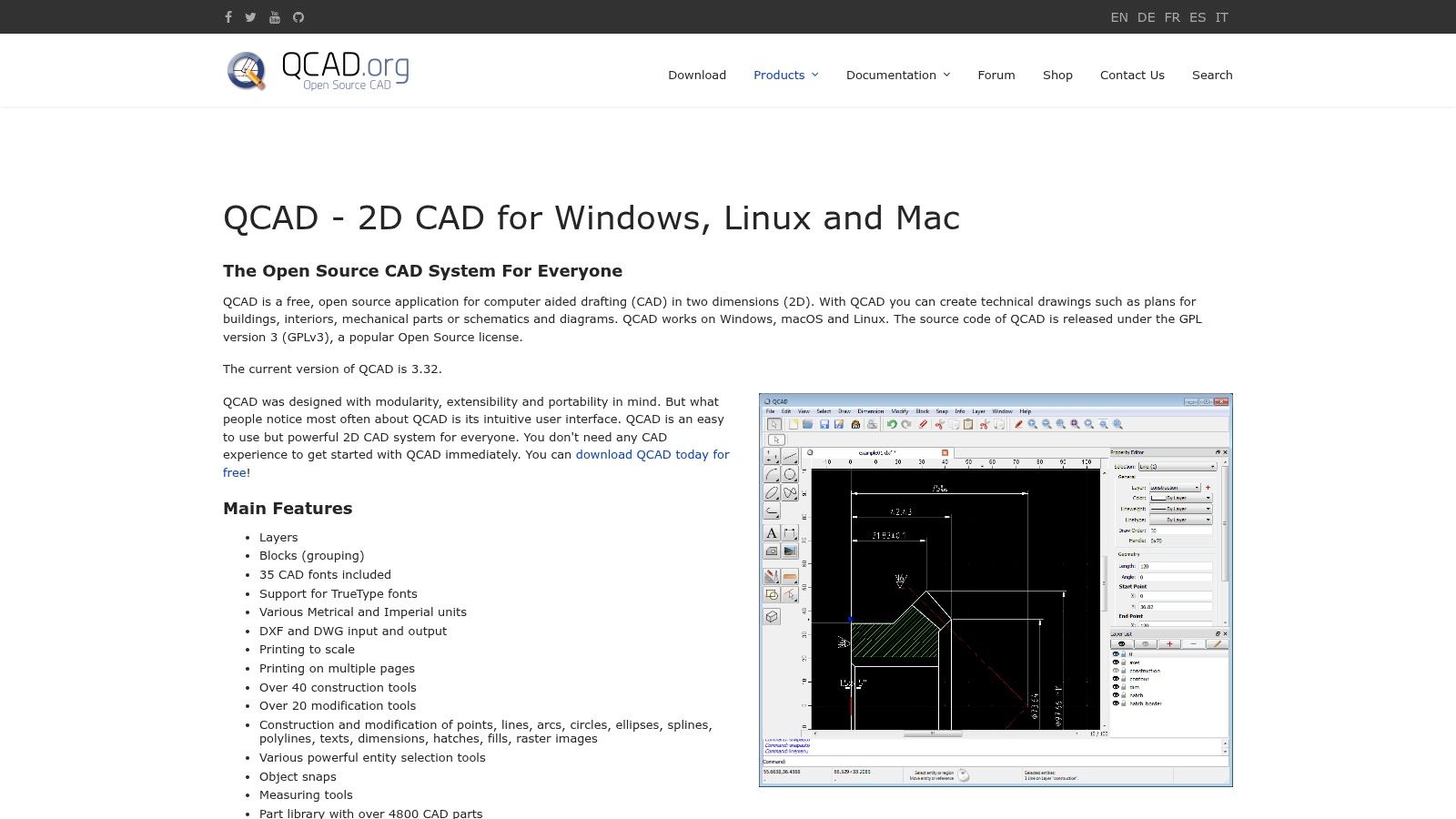
For architects and drafters who need a dependable and mature tool for pure 2D work, QCAD Community Edition is a top-tier choice. Unlike all-in-one 3D modelers, QCAD focuses exclusively on providing a robust and precise 2D drafting experience, making it an excellent free software for architectural drawing when creating detailed plans, sections, and elevations. Its interface is clean and traditional, feeling instantly familiar to anyone with a background in classic CAD software. The application is built around precision, with powerful tools for creating and modifying geometry using layers, blocks (reusable symbols), and comprehensive dimensioning.
Because it is a dedicated 2D package, its performance is snappy and its workflow is direct. It reads and writes the industry-standard DXF file format natively and can handle DWG files (up to a certain version) without issue, ensuring solid compatibility with other professional software. The open-source Community Edition is completely free, though the process to download it requires a few extra clicks compared to the paid "Professional" version, which is promoted more heavily on the website.
Who is QCAD Community Edition Best For?
QCAD is perfect for architects, interior designers, engineers, and students who require a no-nonsense, stable, and free tool for producing professional-grade 2D technical drawings. If your primary need is to create clear construction documents, site plans, or detailed floor plans without the complexity of 3D modeling or BIM, QCAD is an outstanding option. It is not for those who need 3D visualization or parametric building components. The trade-off for its 2D focus is a much gentler learning curve and a lightweight, cross-platform application that runs well on Windows, macOS, and Linux.
Website: https://qcad.org
4. SketchUp Free (SketchUp for Web)
For anyone looking to dip their toes into 3D modeling without the intimidation of complex software, SketchUp Free is the perfect entry point. This browser-based version of the industry-favorite desktop app brings its famous "push/pull" workflow to everyone, for free. It excels at creating quick conceptual massing models, space studies, and simple architectural forms directly in your web browser, making it a fantastic piece of free software for architectural drawing at the conceptual stage. Its main draw is the intuitive process of turning 2D shapes into 3D objects with a single click and drag.
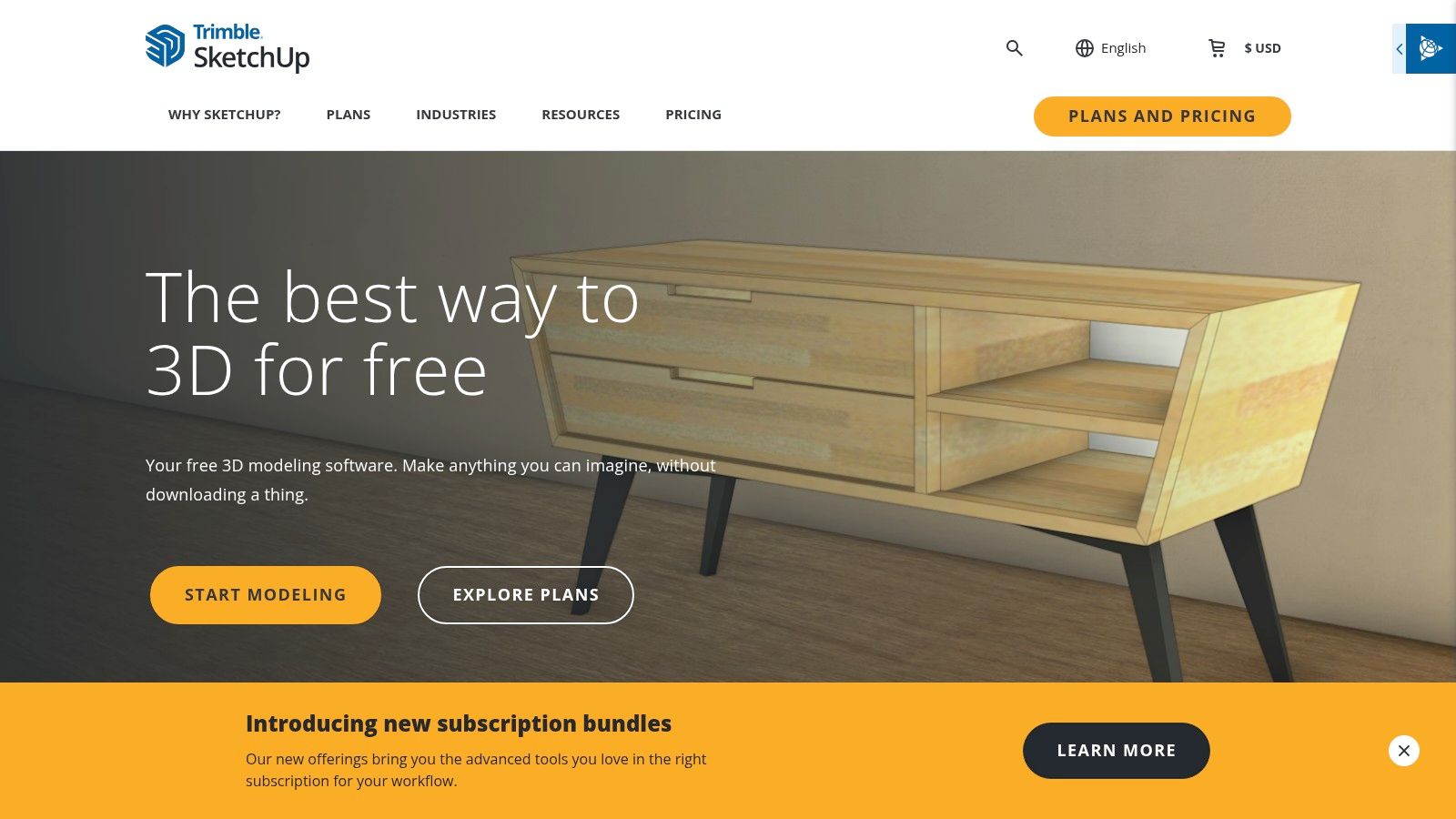
The platform integrates with Trimble Connect for cloud storage and, most importantly, provides access to the 3D Warehouse. This is a massive library of user- and manufacturer-generated models, allowing you to populate your designs with real-world furniture, windows, and decor from brands like West Elm or Crate & Barrel. Once your concept model is ready, you can explore detailed texturing and lighting by learning more about 3-D architectural visualization to create photorealistic presentations.
Who is SketchUp Free Best For?
SketchUp Free is ideal for beginners, students, interior designers, and architects who need a fast tool for ideation. Its simplicity makes it perfect for quickly blocking out a room, testing different furniture arrangements, or presenting a basic building concept to a client. Since it runs entirely in a browser, there's no installation required, and you can access your work from any computer. The primary limitation is its reduced feature set; the free version lacks the ability to use extensions and has limited export options compared to its paid Pro counterpart. It's built for concepts, not for creating final construction documents.
Website: https://www.sketchup.com/plans-and-pricing/sketchup-free
5. Autodesk FormIt (Web – Free)
For architects and designers who need a fluid tool for early-stage conceptual modeling, Autodesk FormIt offers a compelling browser-based solution. Think of it as a digital sketchbook for architectural massing, site analysis, and generating initial design ideas. The free web version provides robust 3D modeling tools that run directly in your browser, making it incredibly accessible. You can quickly sculpt building forms, apply materials, and even analyze sun and shadow patterns in real-time, giving you immediate feedback on your design concepts.
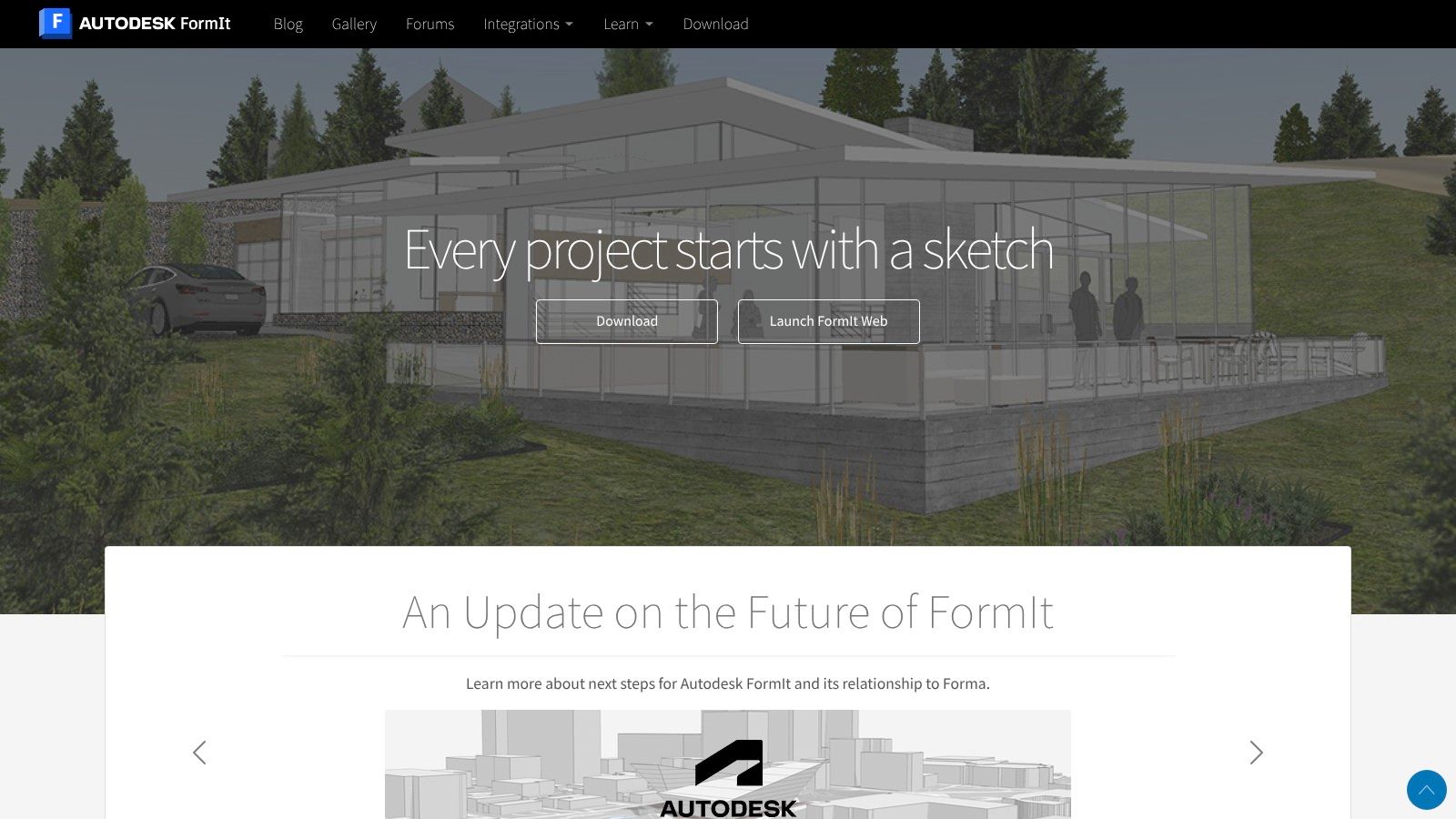
Its direct connection to the Autodesk ecosystem is a significant advantage. While the most powerful integrations, like a seamless handoff to Revit, are reserved for the paid Pro version, the free tool still establishes a familiar workflow for those invested in Autodesk products. It stands out as an excellent piece of free software for architectural drawing at the conceptual phase, where speed and ease of use are more important than detailed technical documentation.
Who is FormIt Best For?
FormIt is perfect for architects, urban planners, and students who need a quick, intuitive tool for generating and presenting 3D design ideas without the complexity of a full BIM application. Its web-based nature means there is nothing to install, and you can start modeling immediately. It's a great way to test massing options on a site or explore different facade treatments. However, users should be aware that the free version is for conceptual work; advanced features, native file saving, and the Windows desktop app require a FormIt Pro subscription.
Website: https://formit.autodesk.com
6. Blender + BlenderBIM Add‑on
While primarily known as a world-class 3D animation and modeling suite, Blender transforms into a legitimate architectural tool with the BlenderBIM add-on. This combination pairs Blender’s advanced modeling, UV mapping, and photorealistic rendering capabilities with a dedicated toolset for Building Information Modeling. Instead of just creating a visual representation, architects can produce native, open-standard IFC files, embedding crucial data directly into the model for a complete OpenBIM workflow. This makes it a unique piece of free software for architectural drawing that bridges the gap between high-end visualization and technical documentation.
This setup allows for the authoring of intelligent architectural objects, generation of 2D construction drawings, and quantity take-offs (QTO) directly within the Blender environment. The real power lies in its open nature, connecting your project to a massive ecosystem of other add-ons for simulation, rendering, and custom scripting.
Who is Blender + BlenderBIM Best For?
This powerful duo is perfect for architects and design teams committed to open-source workflows who need both top-tier visualization and robust BIM data management. It's an excellent choice for those wanting to avoid vendor lock-in and have full control over their software stack. For a deeper understanding of how these data-rich models are used in the industry, exploring the core principles of BIM for architects can provide valuable context. The primary challenge is the steep learning curve, especially for users new to Blender’s interface or the specific setup required for BIM standards. However, for those willing to invest the time, it offers professional-grade power at no cost.
Website: https://www.blender.org and https://blenderbim.org
7. Sweet Home 3D
For architects, interior designers, and homeowners who need to quickly visualize interior layouts, Sweet Home 3D is a perfect match. Unlike complex CAD programs, its primary focus is on simplicity and speed, making it an excellent piece of free software for architectural drawing, specifically for floor plans and furniture arrangement. The interface is brilliantly straightforward: you draw walls in a 2D top-down view, and a 3D preview is instantly generated and updated in a separate pane. You can then drag and drop furniture, doors, and windows from an extensive built-in library.
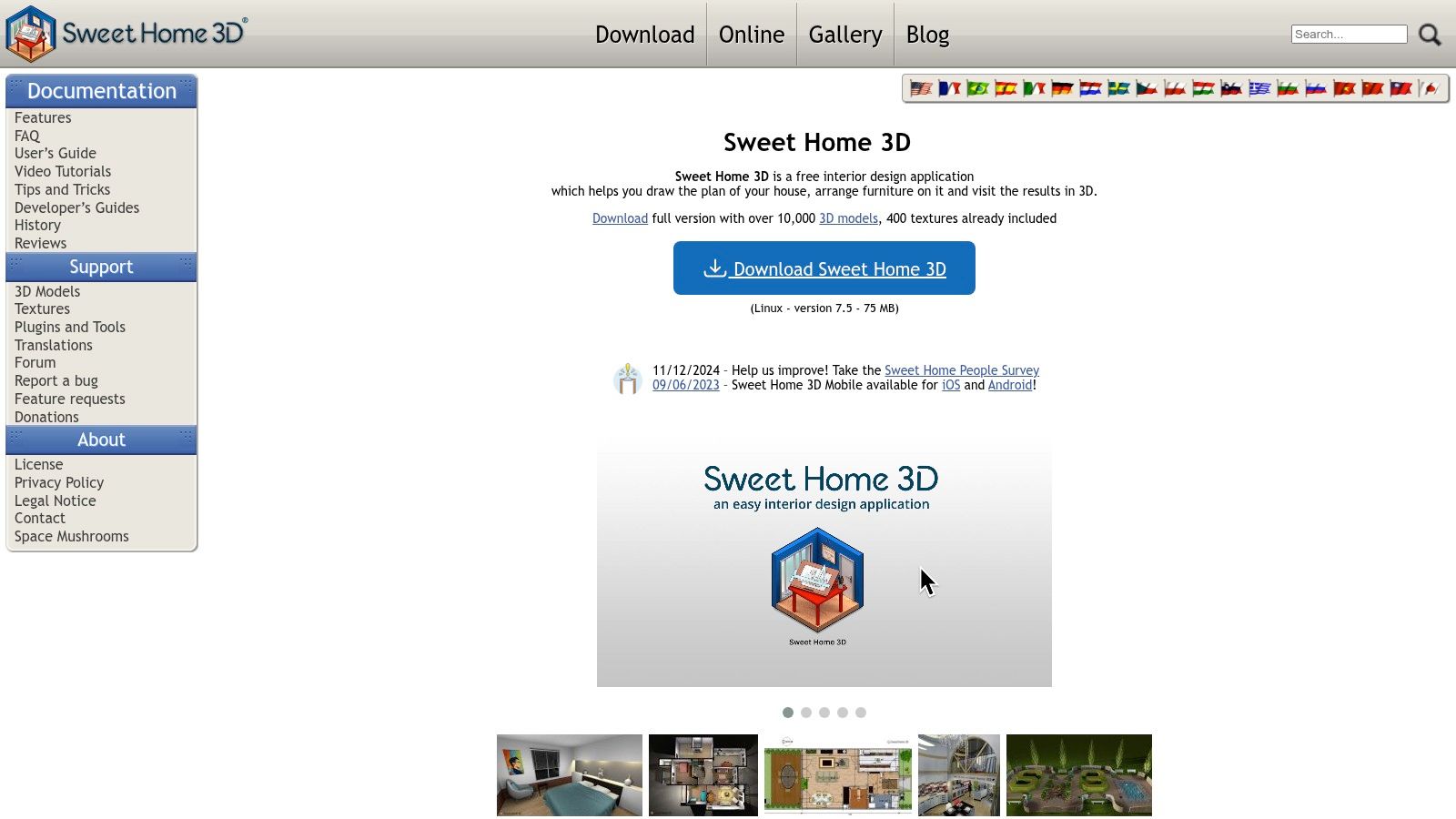
The real strength of Sweet Home 3D is its accessibility. It allows for the creation of compelling client visuals without any prior CAD experience. You can easily test different layouts, such as arranging a Pottery Barn sectional in a modern farmhouse living room or planning the kitchen triangle with specific appliance dimensions. Because it's available as both a web-based tool and a downloadable desktop application for offline use, it offers great flexibility.
Who is Sweet Home 3D Best For?
Sweet Home 3D is ideal for anyone needing to create fast interior mockups, from interior designers presenting initial concepts to homeowners planning a remodel. It's the perfect tool for space planning, staging, and communicating design ideas visually. While it is not designed to produce technical construction documents, its output is more than sufficient for client presentations and personal project planning. Its ease of use comes with the understanding that for detailed blueprints, you would export the plan to a more technical program. Advanced content packs and renderers are available, some of which are paid add-ons.
Website: https://www.sweethome3d.com
8. Floorplanner
For those who need to create polished floor plans and interior layouts quickly, Floorplanner is a top-tier, web-based tool. It shines in its simplicity and accessibility, making it perfect for real estate agents, property managers, and interior designers who need fast visualizations without the steep learning curve of professional CAD software. Its core strength is a drag-and-drop interface where you can draw rooms and furnish them from a large library, with 2D and 3D views that update in real-time. This makes it an excellent piece of free software for architectural drawing focused on presentation and space planning.
The platform operates on a "freemium" model. Its true free plan is genuinely useful for basic projects, allowing you to create and share your designs online. This is ideal for quickly showing a client how a sleek Article sectional might fit in a mid-century modern living room or how different kitchen island placements could work. For higher-resolution exports or advanced features, the system uses credits, which you can earn or purchase.
Who is Floorplanner Best For?
Floorplanner is best for users who prioritize speed, ease of use, and shareability over technical precision. It’s a go-to for real estate professionals creating listing materials, interior designers mocking up initial ideas for clients, and homeowners planning a remodel. The platform isn’t built for creating detailed construction documents. Instead, it excels at producing attractive, easy-to-understand visuals that communicate design intent effectively. Its main limitation on the free tier is watermarked exports and lower resolution renders, but for quick online sharing and concept development, it is an invaluable tool.
Website: https://floorplanner.com
9. RoomSketcher
For those focused on creating polished floor plans and interior visualizations without a steep learning curve, RoomSketcher is a fantastic web-based tool. It bridges the gap between simple drawing apps and complex CAD software, making it perfect for real estate listings, interior design concepts, and quick home remodels. Its core strength is its user-friendly interface, which allows you to draw walls, add windows and doors, and then instantly view your creation in both 2D and an interactive "Live 3D" walk-through.
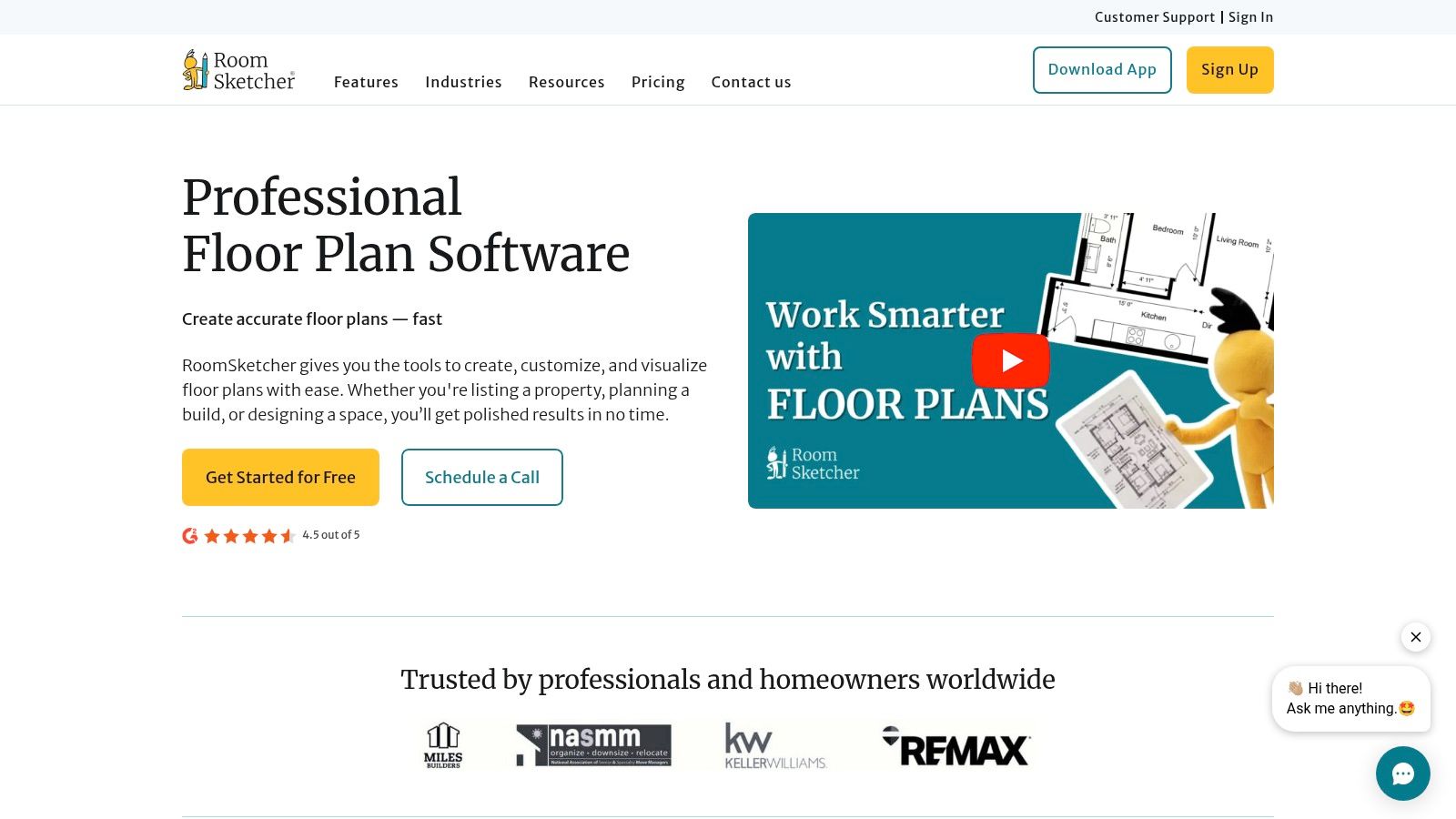
The platform comes with a large library of furniture and materials, so you can easily furnish your space and experiment with different styles. You can test how a Crate & Barrel sofa looks in a new color or see if a particular West Elm dining set fits your dimensions. The free version provides access to the core drawing tools, but professional outputs like high-resolution 2D floor plans, 3D photos, and branded plans require purchasing credits or a subscription.
Who is RoomSketcher Best For?
RoomSketcher is ideal for real estate agents, interior designers, and homeowners who need to produce attractive, easy-to-understand floor plans and visuals quickly. Its accessibility makes it a great piece of free software for architectural drawing tasks that are more focused on presentation than technical construction details. While the free plan is a great starting point for drafting layouts, professionals will find the paid tiers necessary to unlock the high-quality outputs needed for client presentations and marketing materials. The trade-off for its simplicity is less technical control compared to a full CAD program.
Website: https://www.roomsketcher.com
10. Planner 5D
Planner 5D shifts the focus from technical construction documents to fast, user-friendly interior design and space planning. It is an excellent tool for anyone who needs to quickly visualize a floor plan and experiment with furniture layouts without the steep learning curve of professional CAD software. Available across web, mobile, and desktop, its main appeal is accessibility. You can start drawing rooms in 2D, then instantly switch to a 3D view to walk through the space, drag-and-drop items from a massive object catalog, and test different decor ideas on the fly.
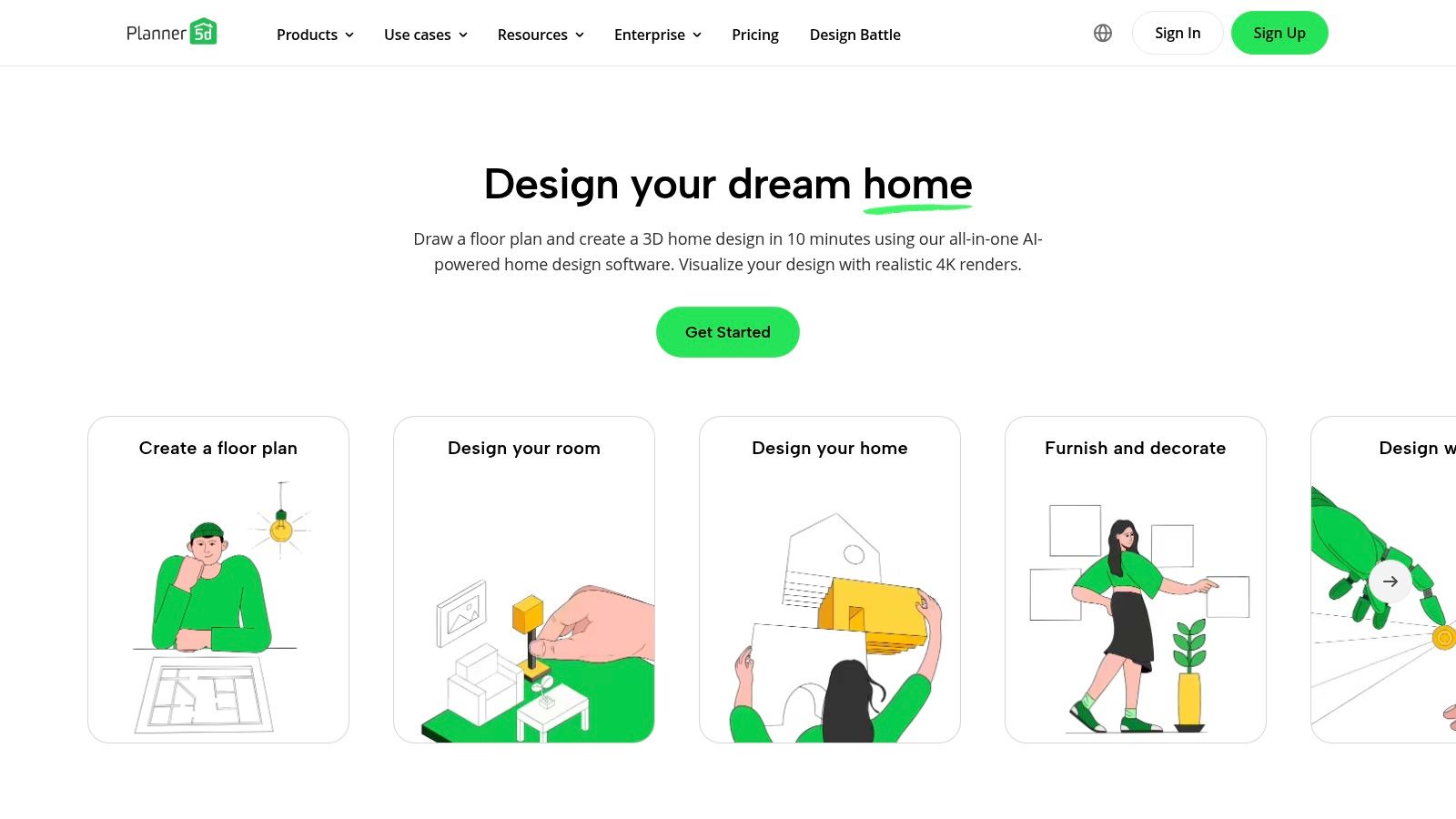
While it offers a solid free version, Planner 5D operates on a freemium model. Core functionality is free, but access to the full catalog of furniture, higher-quality HD renders, and certain AI-powered features like automatic floor plan recognition from a blueprint image requires a subscription. This makes it less a piece of free software for architectural drawing in the professional sense and more a powerful visualization aid for initial concepts and client presentations focused on interior aesthetics.
Who is Planner 5D Best For?
This platform is perfect for interior designers, real estate agents, homeowners, and anyone needing to create quick, visually appealing space plans. An agent can quickly mock up a furnished layout for an empty listing, or a designer can show a client how a Pottery Barn sofa looks next to a Crate & Barrel coffee table. Its strength is in speed and ease of use, not architectural precision. The trade-off is its limitation for creating detailed construction documents, as it lacks the accuracy and technical tools of a dedicated CAD program.
Website: https://planner5d.com
11. Onshape Free (Public / Non‑Commercial)
While not built specifically for architects, Onshape's free plan offers an industrial-grade parametric CAD toolset that is immensely useful for designing custom components. It runs entirely in a web browser, eliminating the need for powerful hardware or software installations. This makes it a great choice for creating detailed 3D models of bespoke fixtures, furniture, or complex structural connections that might be difficult to model in traditional AEC software. Its real strength lies in cloud-based collaboration, allowing multiple users to work on the same model simultaneously with robust version control.
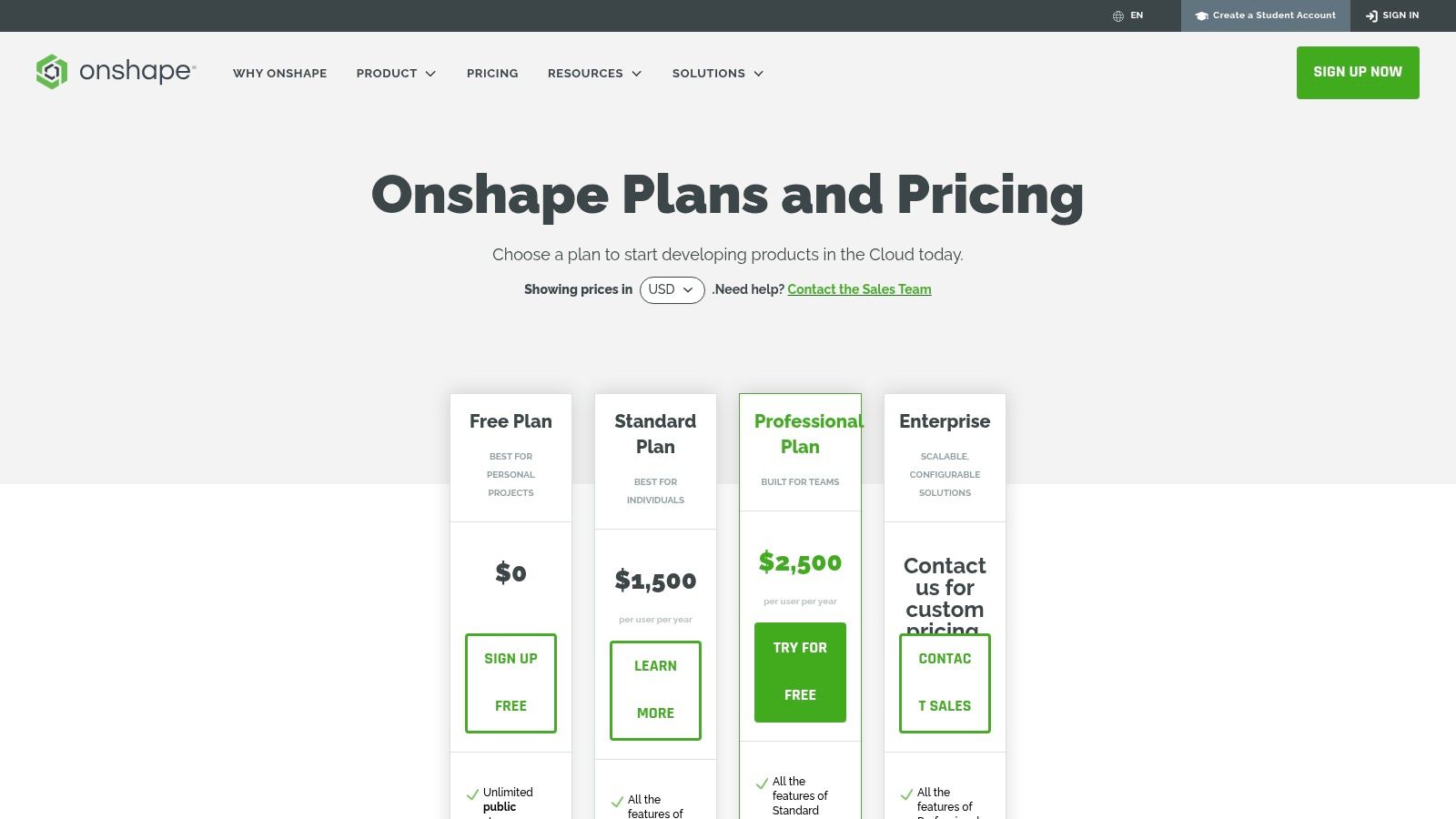
As a full parametric modeler, every design element is driven by parameters that you can change at any point, instantly updating the model. Onshape's system of branching and merging is fantastic for exploring design variations without compromising the main model. You could, for instance, design a custom light fixture, then create several branches to test different mounting brackets or materials before merging the final choice. The main limitation is that the free plan requires all documents to be public and is for non-commercial use only.
Who is Onshape Free Best For?
Onshape Free is best for architects, designers, and makers who need a powerful 3D modeling tool for specific, non-architectural components within a larger project. It is perfect for collaborative part-level design or for students and hobbyists learning professional-grade CAD. If your project involves intricate custom metalwork, unique joinery, or 3D-printable prototypes, Onshape provides the precision needed. However, it is not the right tool for creating entire building models or floor plans, as it lacks BIM features.
Website: https://www.onshape.com/en/pricing?utm_source=openai
12. BricsCAD Shape
For architects and designers needing a fast, intuitive tool for conceptual massing, BricsCAD Shape provides a streamlined experience. Think of it as a digital sketchbook for architectural forms. It excels at the very beginning of the design process, where you need to quickly explore building shapes, volumes, and spatial relationships without getting bogged down by technical details. Its direct modeling with push/pull tools feels natural and allows for rapid form-finding, making it a great piece of free software for architectural drawing's initial stages.
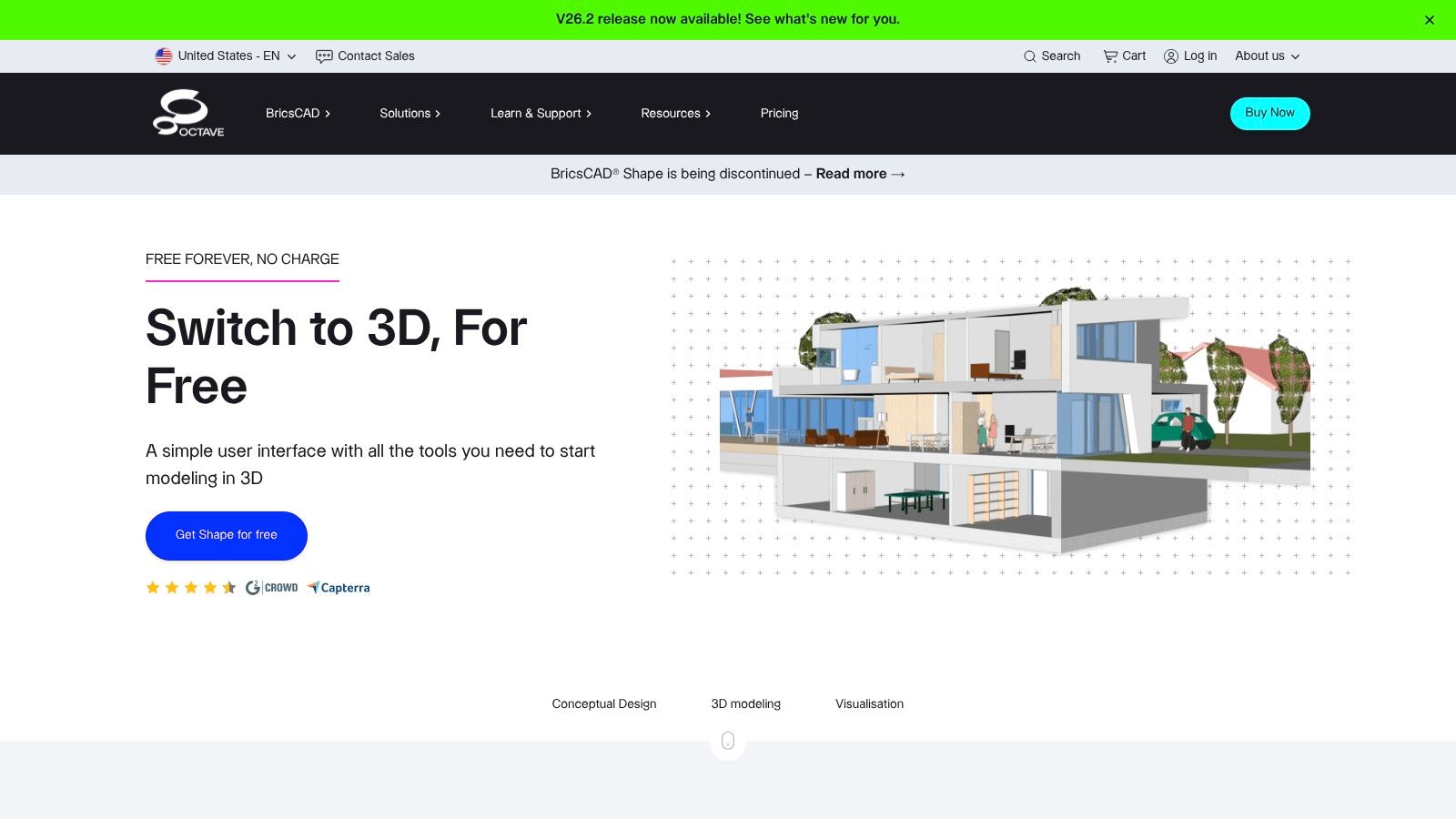
The platform is built on the .DWG file format, ensuring seamless compatibility with full-featured CAD and BIM applications like BricsCAD BIM or AutoCAD. This means your simple massing model can serve as a solid foundation for detailed design development later. It also includes basic architectural components like smart walls, windows, and doors, which can be quickly placed to add context to your conceptual models, giving clients a better sense of scale and intent from day one.
Who is BricsCAD Shape Best For?
BricsCAD Shape is perfect for architects, urban planners, and students who need a free, no-nonsense 3D modeling tool for early-stage design. It's ideal for creating quick study models, testing massing strategies, or presenting initial concepts to clients. Because it's a dedicated desktop application for Windows and Mac, it provides a stable and responsive modeling environment. The main limitation is that it's not a full drafting or BIM package; you cannot produce detailed construction documents with it. Instead, it serves as the powerful first step in a professional .DWG-based workflow.
Website: https://www.bricsys.com/bricscad/shape
Top 12 Free Architectural Drawing Tools — Feature Comparison
| Tool | Core / Unique ✨🏆 | Usability & Quality ★ | Best For 👥 | Price / Value 💰 | Limitations |
|---|---|---|---|---|---|
| FreeCAD | ✨ Parametric CAD + Arch/BIM workbenches, Python extensibility 🏆 | ★★★ | 👥 AEC pros, scriptable workflows | 💰 Free (open‑source) | Add‑ons/tuning needed, steep UI |
| LibreCAD | ✨ Lightweight 2D DXF drafting, fast on low HW | ★★★★ | 👥 Drafters, simple technical plans | 💰 Free | No 3D/BIM, dated interface |
| QCAD (Community) | ✨ Stable 2D drafting, scripting & DXF support | ★★★★ | 👥 Technical drafters & educators | 💰 Free (Community) | No 3D/BIM, setup clunky |
| SketchUp Free | ✨ Browser 3D massing + 3D Warehouse 🏆 | ★★★★★ | 👥 Designers, hobbyists, quick concepting | 💰 Free (limited) | Restricted exports, fewer features |
| Autodesk FormIt (Web) | ✨ Conceptual modeling with real‑time shadows, Revit‑friendly | ★★★★ | 👥 Architects, early‑stage design | 💰 Free web; Pro features paid | Pro features and desktop require paid tier |
| Blender + BlenderBIM | ✨ Advanced visualization + IFC/BIM data, large add‑on eco 🏆 | ★★★ | 👥 Visualizers, BIM teams wanting open workflows | 💰 Free | Steep learning curve, setup for BIM |
| Sweet Home 3D | ✨ Drag‑drop 2D plan with instant 3D preview | ★★★★ | 👥 Homeowners, decorators, quick staging | 💰 Free (paid packs optional) | Not for construction documentation |
| Floorplanner | ✨ Web 2D/3D with shareable projects, fast to learn | ★★★★ | 👥 Real estate, leasing, quick layouts | 💰 Freemium, credits for HD renders | Watermarks/limits on free exports |
| RoomSketcher | ✨ Polished Live 3D views + optional done‑for‑you service | ★★★★ | 👥 Real estate pros, interior concepting | 💰 Free trial; paid tiers & credits | Many outputs require paid upgrades |
| Planner 5D | ✨ Mobile‑friendly, AI blueprint recognition & smart wizards | ★★★★ | 👥 Homeowners, casual designers | 💰 Freemium (in‑app purchases) | Premium assets/renders are paid |
| Onshape Free | ✨ Full parametric cloud CAD with real‑time collaboration | ★★★★ | 👥 Mechanical designers, custom fixtures | 💰 Free (public/non‑commercial) | Docs must be public; not BIM‑focused |
| BricsCAD Shape | ✨ DWG‑based push/pull massing, architectural primitives | ★★★★ | 👥 Architects doing quick massing | 💰 Free | Not a full BIM/drafting solution |
Bringing Your Vision to Life: From Technical Plans to Hyper-Realistic Previews
Navigating the world of free software for architectural drawing reveals a surprising depth of capability. As we've explored, the "best" tool isn't a single program but a collection of options, each tailored for a specific stage of the design and presentation process. Moving beyond pen and paper doesn't require a significant financial investment anymore, thanks to the powerful, community-driven, and accessible tools we’ve detailed.
The journey from a rough concept to a client-ready presentation involves distinct steps, and the software you choose should reflect that. For pure, unadulterated 2D drafting, the precision of CAD-based programs like LibreCAD and QCAD is unmatched. They provide the technical backbone for any serious project, allowing you to create the detailed floor plans and elevations that are the language of construction.
When your project needs to take shape in three dimensions, a different set of tools comes into play. SketchUp Free remains a popular entry point for its intuitive push-pull modeling, making it simple to extrude walls from a 2D plan and visualize basic massing. For more complex, parametric modeling that ties into a BIM workflow, FreeCAD offers a steep learning curve but immense power, creating intelligent models where changes automatically update across your drawings.
Choosing Your Workflow: A Strategic Approach
The key takeaway is that no single free tool does everything perfectly. A strategic workflow often involves using a combination of these programs. You might start with a quick layout in Floorplanner to get the dimensions right, then export that plan to Blender and use the BlenderBIM add-on for a more detailed, data-rich architectural model.
Consider these key questions when selecting your software:
- What is the end goal? Are you creating a technical construction document, a quick visualization for a real estate listing, or a detailed 3D model for personal study? For a real estate agent, a tool like RoomSketcher provides fast, attractive 3D floor plans and 360-degree views sufficient for marketing. A homebuilder, however, would need the precision of a true CAD program.
- What is your technical skill level? Programs like Sweet Home 3D and Planner 5D are designed for beginners, offering drag-and-drop simplicity. In contrast, FreeCAD and Onshape require a mindset accustomed to engineering and parametric design. Be honest about the time you're willing to invest in learning.
- How will you present the final design? Raw CAD drawings can be intimidating for clients. The real magic happens when you translate these technical plans into relatable, visually appealing presentations. This is where moving from 2D lines to 3D spaces becomes crucial for communicating your vision.
Beyond the Blueprint: The Power of Photorealism
While many of these tools create excellent 3D models, they often stop short of true photorealism. A 3D model from SketchUp or Sweet Home 3D is a great representation, but it rarely looks like a real photograph. This is the final, critical step in client communication, especially in real estate and interior design. How can you show a client exactly how a specific Crate & Barrel sofa will look in their living room, under their specific lighting conditions?
This is where specialized visualization tools come in. For instance, creating a hyper-realistic preview of an interior space often requires an entirely different solution. Instead of just showing a generic sofa, you can demonstrate the difference between two distinct models, like a sleek Article "Sven" sofa versus a plush option from West Elm. With a platform like aiStager, this becomes a simple process of uploading a photo of the room and linking to the product. It is the only solution that generates hyper-realistic photos using true-to-dimension rooms and furniture objects. In just a few clicks, you can test how different sofa brands, including various colors and finishes, look in your space.
Ultimately, the array of free software for architectural drawing empowers you to bring any idea to life. By understanding the strengths and limitations of each tool and combining them strategically, you can build a cost-effective workflow that covers every stage, from the first line on a blueprint to a stunning, photo-realistic final image that sells your vision.
While the tools in this list are excellent for creating plans and models, they often lack the final touch of photorealism needed for client presentations. For generating hyper-realistic images of furnished spaces in just a few clicks, explore what aiStager has to offer. It's the only solution that generates truly photorealistic images with dimensionally-accurate rooms and furniture. Simply upload a room photo and a product link to see your design vision come to life with stunning accuracy. Find out more at aiStager.