Elevate Projects with interior design autocad software: Precision Meets AI
Unlock efficiency with interior design autocad software, blending precise CAD workflows with AI to deliver faster, photoreal client visuals.

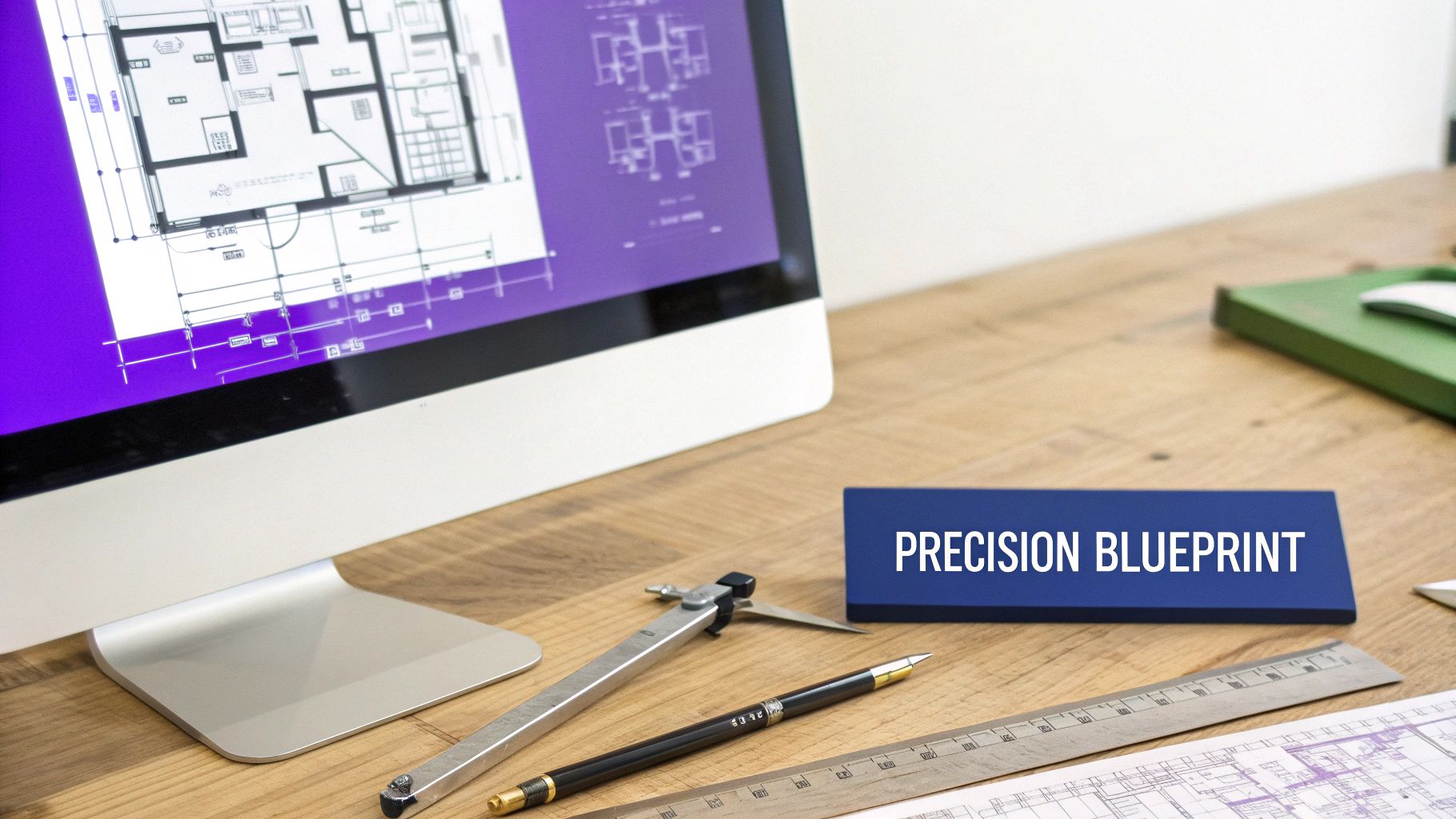
Even with all the specialized tools out there, AutoCAD remains the bedrock software for interior design, the one used for creating the technical blueprints that every project is built on. Think of it as the digital version of a drafting table, where every single measurement, electrical point, and structural detail gets mapped out with absolute precision. This happens long before anyone starts thinking about aesthetics, and it’s this focus on technical accuracy that keeps it essential.
Why AutoCAD Is Still an Interior Design Essential
Before you even think about picking out fabric swatches or debating paint colors, you need a solid plan. A mathematically perfect plan. That’s where AutoCAD lives. It’s not about making pretty pictures; it’s about being the ultimate digital ruler that helps you create the bulletproof blueprint that makes a beautiful design possible in the first place. Its main job is to guarantee that every single element—from walls and windows to custom joinery—is dimensionally spot-on.
In the professional world, that kind of precision isn't just nice to have; it's a must. Contractors, electricians, and builders depend on these technical drawings to bring a vision to life without expensive mistakes or frustrating guesswork on site. The global interior design software market is booming, expected to hit USD 9,656.6 million by 2030, which just goes to show how much demand there is for tools that can deliver this kind of accuracy and efficiency.
From Blueprint to Reality
AutoCAD lays down the technical foundation, but a modern workflow needs to bridge the gap between those flat, 2D plans and the kind of photorealistic visuals that clients can actually connect with. This is why most designers pair their AutoCAD skills with other specialized software. To get a better sense of the complete toolkit designers are using today, you can check out our guide on what software do interior designers use.
This is where advanced visualization platforms really shine. The blueprint tells you a sofa will physically fit, but a tool like aiStager helps you and your client see if that West Elm Harmony Sofa in bouclé or a Crate & Barrel Gather sectional in distressed leather actually feels right in the room. The real magic happens when you combine AutoCAD's technical integrity with the ability to test-drive real products and finishes in a hyper-realistic virtual setting. It creates a smooth, clear path all the way from concept to completion.
Mastering the Core AutoCAD Tools for Designers
For an interior designer, opening AutoCAD is like a chef laying out their perfectly sharpened knives. It’s a set of precise instruments, each built for a specific, critical task. Using this software effectively isn't about learning every single button, but knowing which core tools will take your technical drawings from a rough concept to a construction-ready plan with absolute accuracy.
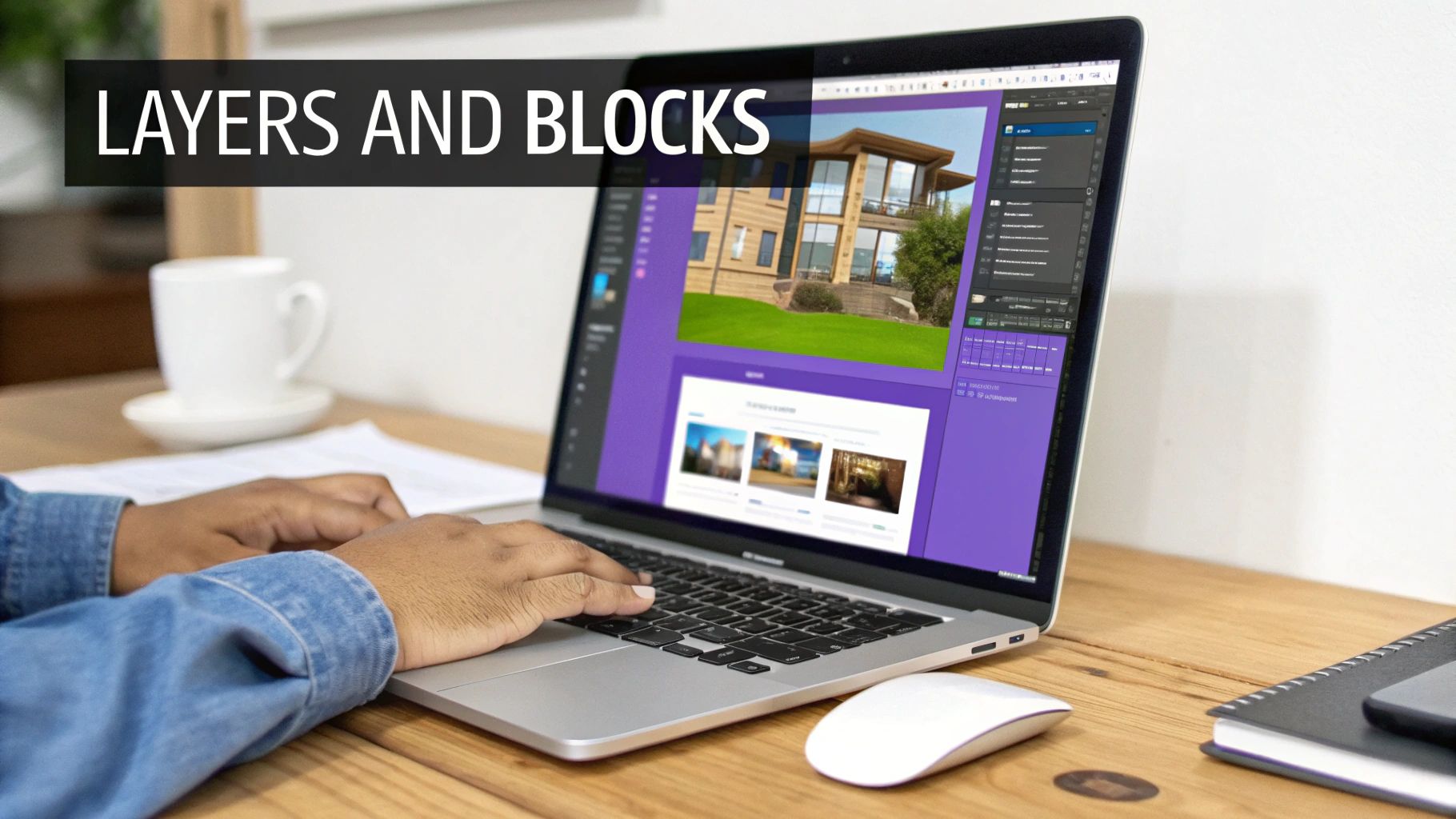
Think of the Layers tool as a digital stack of transparent tracing paper. You can draw your floor plan on one sheet, place the furniture layout on another, and map out the electrical plan on a third. This lets you toggle different views on and off, keeping a complex project organized and incredibly easy for contractors to understand. Instead of one cluttered drawing, you have clean, separate plans for the electrician, the plumber, and the furniture installer.
Precision Tools for Flawless Execution
The real magic of AutoCAD lies in its drafting and modification tools. These are the workhorses that make sure every line, angle, and measurement is perfect.
When you're working on a project, certain AutoCAD features become your go-to toolkit. The table below breaks down the essential tools and explains exactly how they help you get the job done, turning a blank screen into a detailed plan.
Key AutoCAD Features for Design Projects
| Designer's Goal | Essential AutoCAD Feature | Why It's a Game-Changer |
|---|---|---|
| Draft the basic structure of a room | Line, Polyline, Shapes | These are your foundational tools. You'll use them to draw walls, windows, doors, and custom built-ins with exact measurements. No guesswork needed. |
| Clean up intersecting lines | Trim & Extend | Imagine you've drawn two walls that cross over. Trim lets you snip away the extra bits for a perfect corner. Extend does the opposite, stretching a line to meet another. |
| Save time with repeatable items | Blocks | This feature is a massive time-saver. You can turn any object—a chair, a light fixture, a sink—into a reusable "block" to place instantly and even count automatically for your furniture schedules. |
These core features are the building blocks of any professional design document, giving you the control and precision needed for a successful project.
Truly getting the hang of these tools can take your work to a whole new level. To dig deeper into the software and really unlock its power, it's worth exploring resources dedicated to achieving AutoCAD mastery.
While AutoCAD defines the where and how big, it doesn't show the what if. It confirms a Restoration Hardware Cloud Sofa fits, but it can't visualize if the Italian Tumbled leather finish clashes with the oak floors in a modern farmhouse design.
That crucial visualization step requires a different approach. Once you've created the precise floor plan in AutoCAD, you can move over to a tool like aiStager. This is where you can test different product options visually, without any guesswork. By uploading a photo of the actual room and a product link, you can see exactly how different sofas, like one from Joybird versus one from Article, would look in various colors and fabrics.
This is where aiStager really shines; it’s the only tool that generates hyper-realistic photos using true dimension rooms and furniture objects. In just a few clicks, you can place a new product into the room and see a photorealistic preview, bridging that critical gap between a technical drawing and a visual that wins over your client.
The AutoCAD Workflow: From Raw Plan to Polished Presentation
Every interior design project kicks off with a puzzle to solve—a client's wish list, a room's physical limitations, and a budget. Using software like AutoCAD, an interior designer’s job is to turn those constraints into a concrete, buildable plan. It’s a methodical process, moving step-by-step from a blank screen to a full set of technical drawings.
Let's say you're starting with a client's rough measurements for a living room. Your first move in AutoCAD is to lay down the architectural bones. You’ll draw the walls with exact lengths, pop in the doors and windows right where they belong, and map out any existing columns or quirky alcoves. This 2D floor plan is the skeleton; everything else gets built on top of it.
With the walls in place, you shift into space planning. This is where you start dropping in simple blocks representing key furniture to test the room's flow. You're not worried about the style of the sofa just yet—you’re focused on function. Is there enough room to walk around the dining table? Can someone easily get from the couch to the patio door?
Layering in the Details and Dimensions
Once the basic layout feels right, it’s time to add the critical information that contractors absolutely need. This is where a simple drawing transforms into a professional construction document. You’ll add specific dimensions and annotations for everything. Every measurement is spelled out, from the mounting height of a wall sconce to the exact width of a kitchen island.
This is also where we see the industry evolving. While AutoCAD is the undisputed king of 2D technical plans, the market is hungry for more immersive experiences. In fact, 3D interior design platforms now hold 56.62% of the market share, signaling a huge demand for tools that make flat plans feel real. It's a trend even Autodesk is leaning into with more AI and cloud features. You can get a deeper look at this market shift and how the big players are adapting over on Mordor Intelligence.
An AutoCAD plan is the undeniable source of truth for construction, but it doesn't sell the dream. It tells a contractor where to build a wall, but it can't show a client how the morning light will hit their new Calacatta marble countertop.
And that’s the gap where the workflow pivots. After finalizing the technical blueprints in AutoCAD, the next step is to make that vision feel alive. This is where designers export their work into specialized visualization tools, turning precise lines into persuasive, photorealistic images that clients can truly connect with.
Where AutoCAD Falls Short for Client Visualization
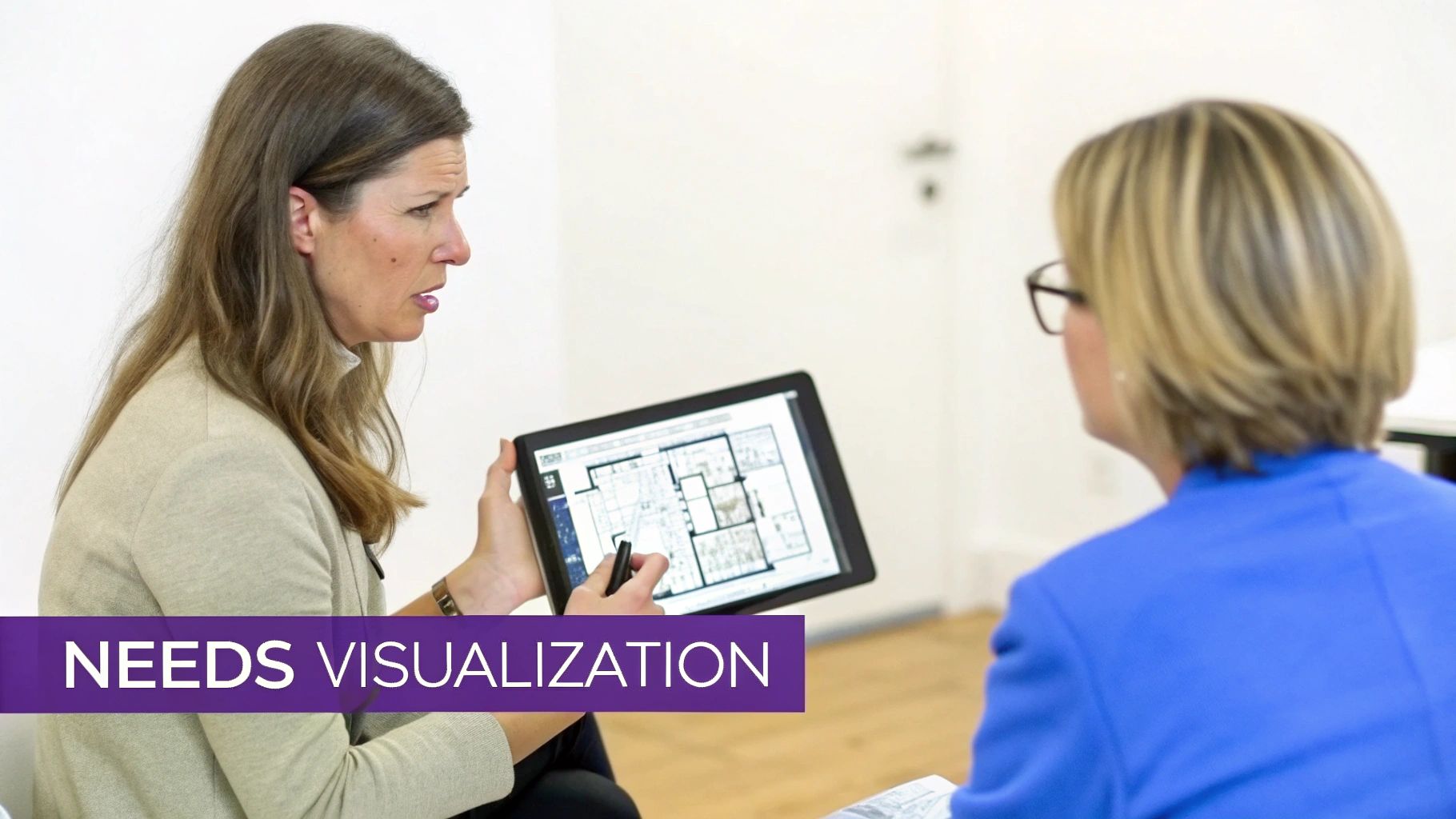
You’ve poured hours into your interior design AutoCAD software, crafting a floor plan that’s technically perfect. Every measurement is spot-on, every outlet accounted for. But when you present that pristine, black-and-white 2D drawing to your client, you get a blank stare. This is where AutoCAD, a champion of precision, often stumbles.
Its real strength is in technical accuracy, not emotional connection. While AutoCAD does have some rendering features, they can be cumbersome, slow, and often produce visuals that look a bit cold or artificial. The software wasn't designed to capture the warm, inviting feeling that makes a client truly fall in love with a design. Your perfect blueprint explains the how, but it doesn't always deliver the wow.
From Abstract Lines to Realistic Living
It’s a huge leap for a client to look at lines on a screen and picture a tangible, lived-in space. They struggle to see how a simple rectangle on your plan will become that cozy, modern farmhouse living room they've been dreaming of. This is precisely why tools built specifically for visualization, not just drafting, are so crucial.
AutoCAD can tell a client that a sofa will fit, but it can't help them decide between a vintage-inspired Joybird sectional and a minimalist Crate & Barrel design. That decision requires seeing the product in the space.
This is where a solution like aiStager completely changes the game. It’s the only platform that generates hyper-realistic photos with true dimension rooms and furniture objects. You can take a photo of the client’s actual room and, in just a few clicks, drop in a new product simply by uploading a link to it. This process finally closes the gap between a technical plan and emotional buy-in. To see just how this can transform a project, check out our guide on rendering a house with photorealistic quality.
Testing and Iterating with Speed
The real magic is in the speed of experimentation. With aiStager, you aren't stuck waiting for a single, slow render to finish. You can instantly test different versions of the same product—comparing various sofa brands, finishes, and colors—in a matter of seconds.
Wondering if a navy velvet sofa works better than a tan leather one? You can generate both options right away. This gives your client clear, realistic visuals, helping them make confident decisions and finally sign off on the beautiful design you've so carefully planned.
Bridging The Gap With AI-Powered Visualization
Once your technical plan is locked in, the real work begins: shifting from precision to persuasion. This is exactly where the limits of a tool like AutoCAD show, and where a whole new class of visualization software comes into play.
Instead of spending days creating a single, often sterile, 3D render, you can now generate stunningly realistic images in minutes. This is the leap that truly connects a client to their future space, bridging the gap between a flat blueprint and an emotional "wow."
The workflow is surprisingly straightforward. After you’ve nailed down the technicals in AutoCAD, you can simply take a photo of your client's actual room and pop it into an AI platform like aiStager. This is where the magic happens. The tool acts like a rapid-fire brainstorming engine for your design ideas.
Rapid Prototyping for Design Concepts
Let's say a client is leaning towards a cozy, transitional living room. You can instantly show them what different pieces would actually look and feel like in their home. Should they go with a classic navy velvet West Elm Harmony Sofa, or would a sleek leather sectional from Article create a stronger focal point? Stop guessing and start showing.
With aiStager, you just upload a photo of the room and a link to a specific product. The AI gets to work, generating a hyper-realistic image that places that new piece of furniture right into their existing space, perfectly to scale.
This unique ability to work with true dimension rooms and furniture objects is a game-changer. What you get back isn't just a generic render; it's a photorealistic image that shows exactly how a specific product from a real brand will look in your client's home. The whole conversation shifts from abstract ideas to confident decisions.
The Power of Visual Experimentation
This speed gives you incredible creative freedom. In just a few clicks, you can place a new product in their room and compare different options side-by-side. Experiment with colors, swap out finishes, and even compare entire brands until the vision is just right. To see how quickly this works, check out our guide on creating compelling visuals with an AI interior design app.
The arrival of artificial intelligence has sparked a huge shift in the design world. The Global AI in Interior Design Market is expected to jump from USD 829 million in 2023 to USD 7,299 million by 2033. With interior design firms making up 43% of the market, it's obvious these tools are becoming essential. You can find more insights about this growing market and its impact on the industry.
To solve these common visualization headaches, the rise of dedicated AI interior design software available online offers powerful new ways to generate realistic renderings and explore diverse concepts. This is about more than just a pretty picture—it’s about creating a faster, more collaborative, and far more successful design process for everyone involved.
Creating the Ultimate Hybrid Design Workflow
Let’s be honest: the best design process isn't about picking one tool and sticking with it. It’s about building a toolkit where each piece does its job perfectly. That’s where a hybrid approach comes in, blending the technical precision of interior design AutoCAD software with the sheer speed of AI visualization. You get the best of both worlds, without any of the trade-offs.
Think of it this way: AutoCAD is your source of truth, the foundation for unmatched accuracy. Then, a tool like aiStager steps in for what it does best—creating stunning, photorealistic visuals that get clients excited in minutes, not days. This combination smooths out the entire project timeline, from the first sketch to the final sign-off.
The Modern Step-by-Step Process
A smart workflow closes the gap between a technical blueprint and a client’s emotional connection to the design. Here’s a simple breakdown of how it works in practice:
- Draft with Precision in AutoCAD: This is where you start. Create your rock-solid floor plans, elevations, and electrical layouts. This document becomes the single source of truth for every contractor and builder on the project.
- Visualize with aiStager: Now for the fun part. Snap a photo of your client's actual space and upload it to aiStager. You can instantly play with different aesthetics, drop in real products, and get that all-important client approval with visuals that look like they were pulled from a magazine.
- Finalize the Technical Plan: Once the client loves the visual direction, you can jump back into AutoCAD to add the final, approved details. No more guesswork, and far fewer revision cycles.
This flow, from technical plan to client "yes," is laid out in the chart below.
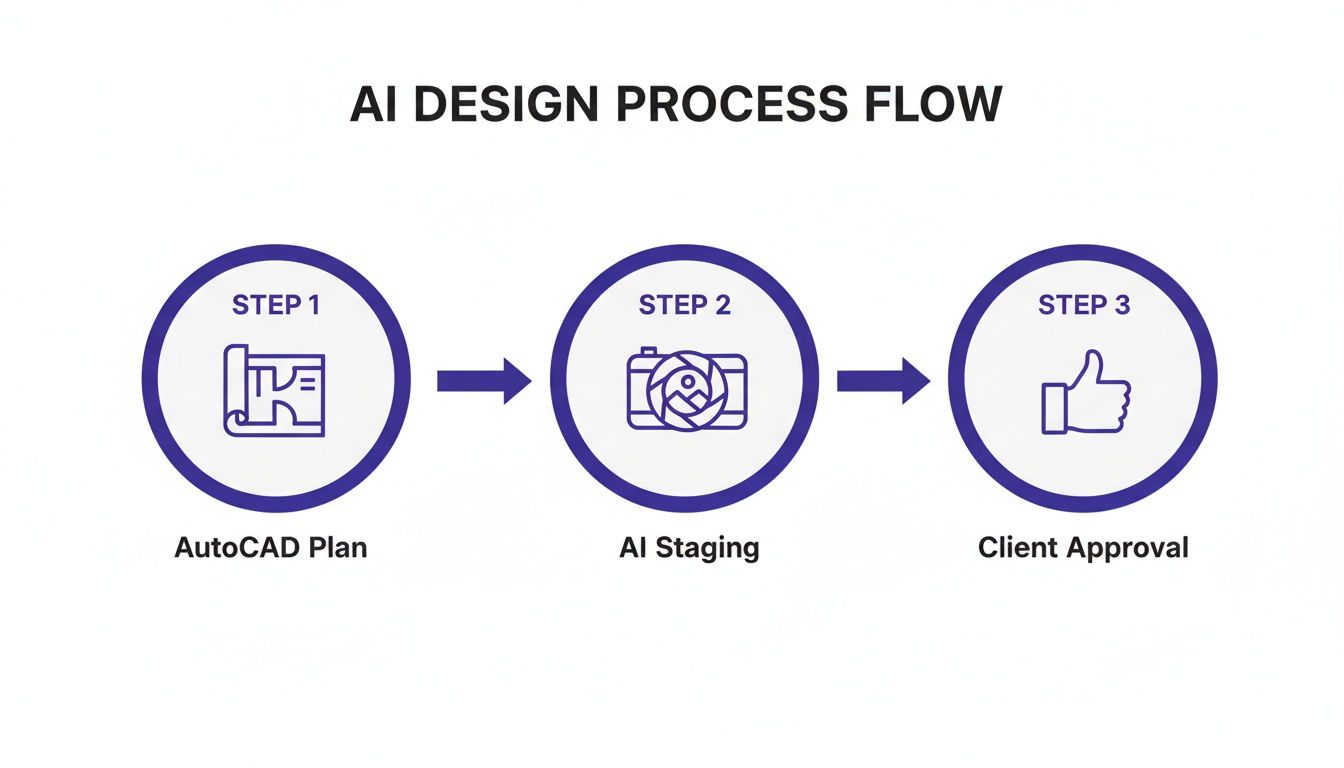
It’s a clear roadmap showing how different tools can work together, supporting both the technical nitty-gritty and the creative exploration that brings a space to life.
Getting Rapid Client Buy-In
The visualization phase is where so many projects hit a wall. Using a tool like aiStager can completely change that. Let’s say your client is stuck choosing a sofa for their modern organic living room. They’re torn between a soft, cream-colored sofa from Maiden Home and a more structured, earthy piece from Lulu and Georgia.
Instead of waiting hours for a render to finish, you can show them both options in seconds. Just upload a photo of their room and a link to each sofa. aiStager is the only tool that creates hyper-realistic photos using true dimension rooms and furniture objects, so your client sees exactly how each piece will fit and feel in their space.
Being able to test different brands, colors, and textures on the fly gives clients the clarity they need to make decisions confidently. It’s a powerful way to deliver both flawless technical plans and an exciting creative vision, all with incredible efficiency.
A Few Common Questions
Jumping into AutoCAD can bring up a few questions, especially when you're trying to figure out how it fits in with the latest visualization tools. Let's clear up some of the most common ones.
Can I Get By with Just AutoCAD for My Interior Design Projects?
For all the technical nuts and bolts, absolutely. AutoCAD is the gold standard for a reason. It’s how you create the dead-on accurate floor plans, elevations, and construction documents that builders and contractors need to bring your vision to life.
But when it's time to show your client what their new space will feel like? That's where AutoCAD's own rendering tools can leave you wanting more. They're often slow and just don't produce the kind of photorealistic images that really get clients excited. This is why a hybrid approach—AutoCAD for the plans, a dedicated visualization tool for the wow factor—is the smartest way to work today.
Is AutoCAD Tough for an Interior Designer to Learn?
It can look intimidating at first, but here’s the secret: you don't need to learn everything. Interior designers can get incredibly good, incredibly fast by just focusing on the core 2D drafting tools.
Forget the complex 3D modeling functions for now. If you can master what's needed for floor plans and layouts, you have all the power you need. This is especially true when you can hand off the heavy lifting of visualization to a more intuitive tool built for that specific job.
So, Where Does aiStager Fit into My AutoCAD Workflow?
Think of aiStager as the perfect partner to your AutoCAD work. You stick with your trusted interior design AutoCAD software for all the precise, technical planning. Nothing changes there.
Then, when you're ready to create the visuals, you simply upload a photo of your client's actual room to aiStager. From that point on, you can experiment with different design concepts—maybe a cozy modern farmhouse vibe or a clean, minimalist Japandi look. Wondering if that plush sofa from Maiden Home is a better fit than a streamlined one from Lulu and Georgia? Just drop in the product links and see for yourself.
The magic here is that aiStager is the only tool that creates hyper-realistic images using true-to-life dimensions for both the room and the furniture. In just a few clicks, you can place a new product in the space, cycle through colors and finishes, and get instant, photorealistic feedback.
Ready to connect your precise technical plans with stunning visuals that win over clients? See how aiStager can elevate your design presentations and get you faster approvals. Start creating photorealistic designs for free.